Tapni Templates Variables Guide
Why this page exists?
Templates must use system variables so that when a template is assigned to a team, the system automatically fills in each member’s own profile data.
If someone types their own data directly into the template (hardcoding), everyone ends up with the same info (usually the admin’s), and the template becomes unreliable.
How it works (end-to-end)?
When an Admin creates a template
- The Admin creates the template content and inserts variables instead of personal details.
- The template is assigned to a team.
- For each team member, the system pulls values from that person’s profile and replaces variables automatically.
✅ Result: each user gets a personalized output based on their profile.
❌ If the Admin types their own email/name/phone directly, everyone receives the Admin’s info.
Rules of thumb
✅ Do
- Use variables for anything that differs per person (name, email, role, title, address, etc.).
- Only use variables that exist in the Supported Variables list below.
- Keep the exact formatting (brackets/case) required by the system.
❌ Don’t
- Don’t hardcode personal details inside templates.
- Don’t invent variable names (the system won’t populate them).
- Don’t change variable formatting
Where variables need to be used ?
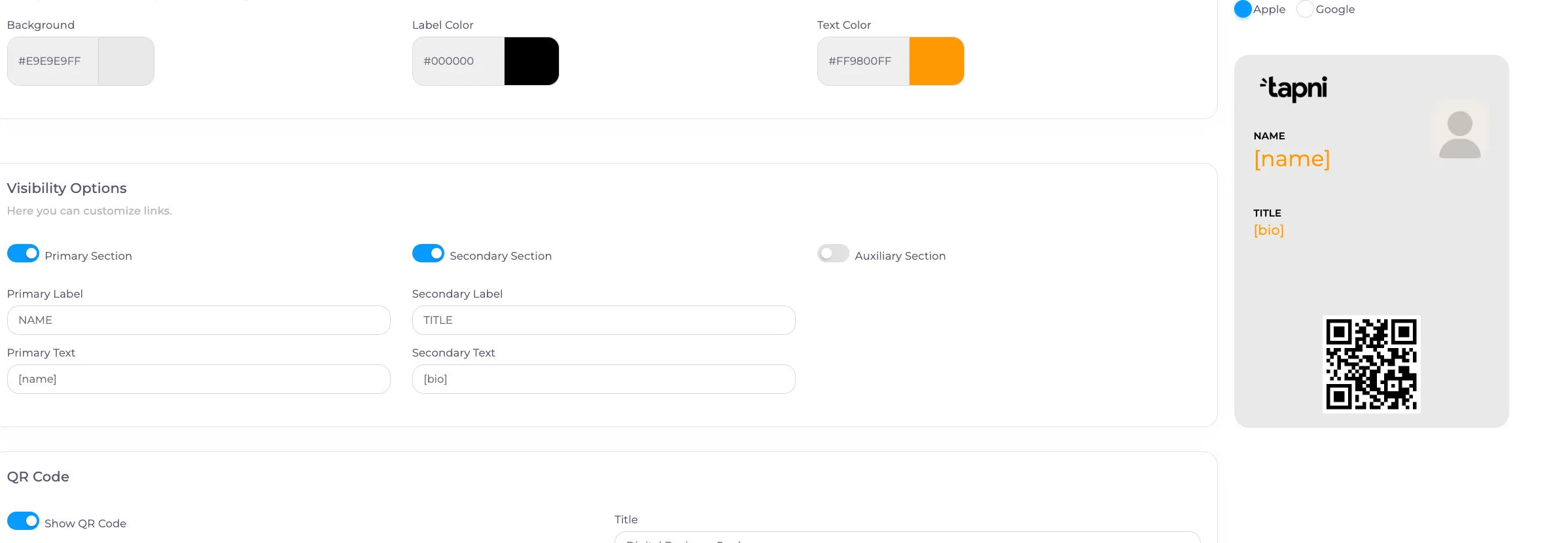
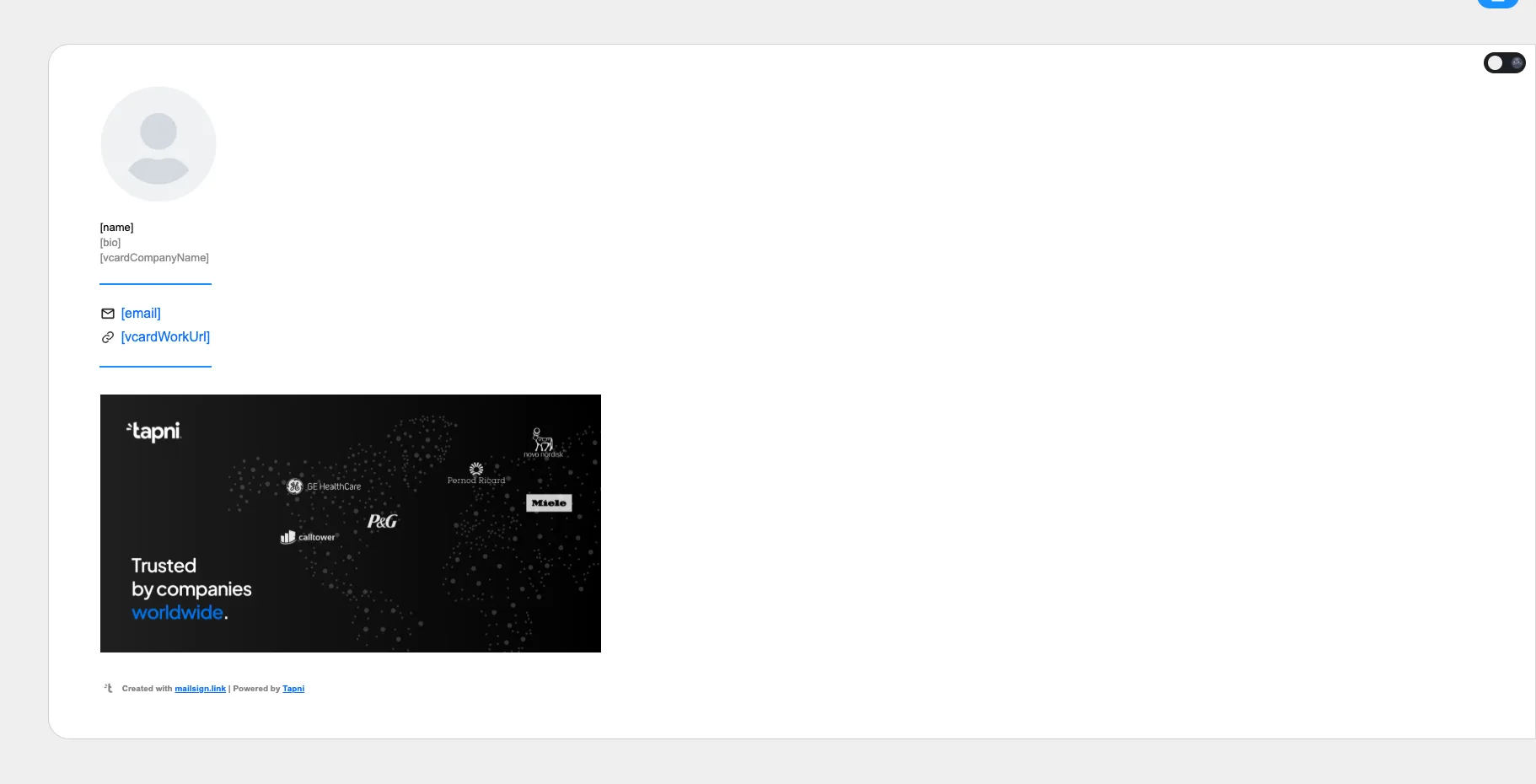
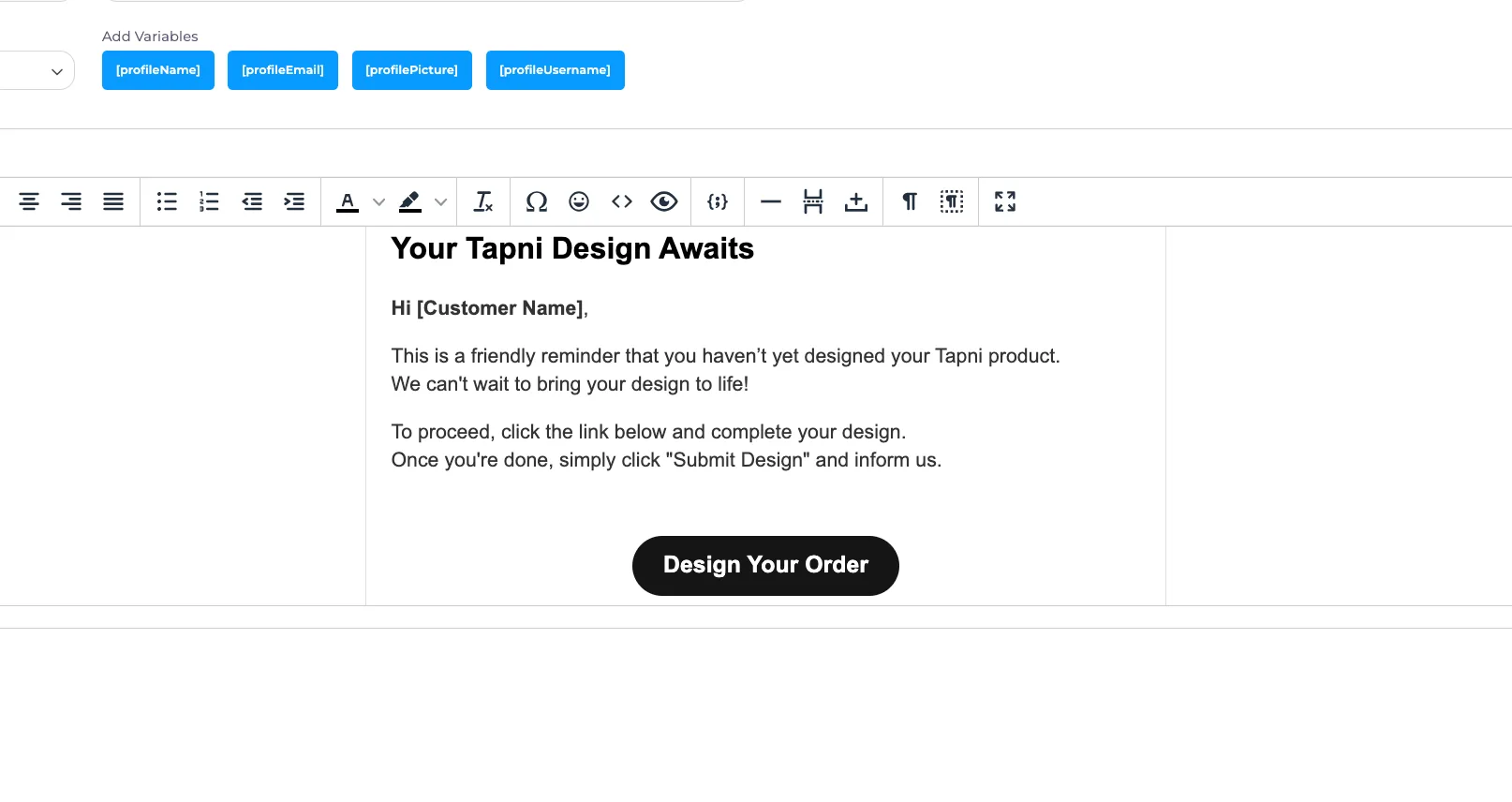
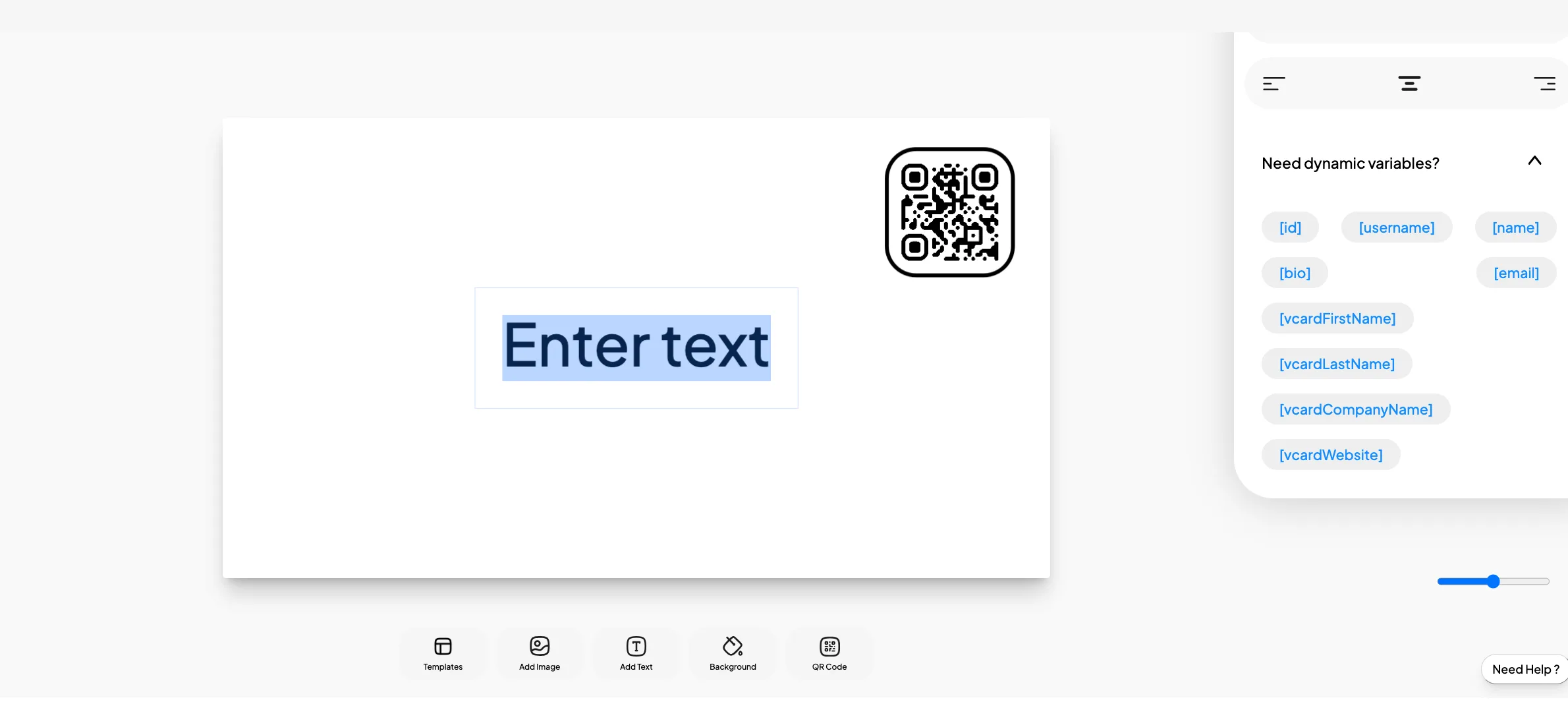
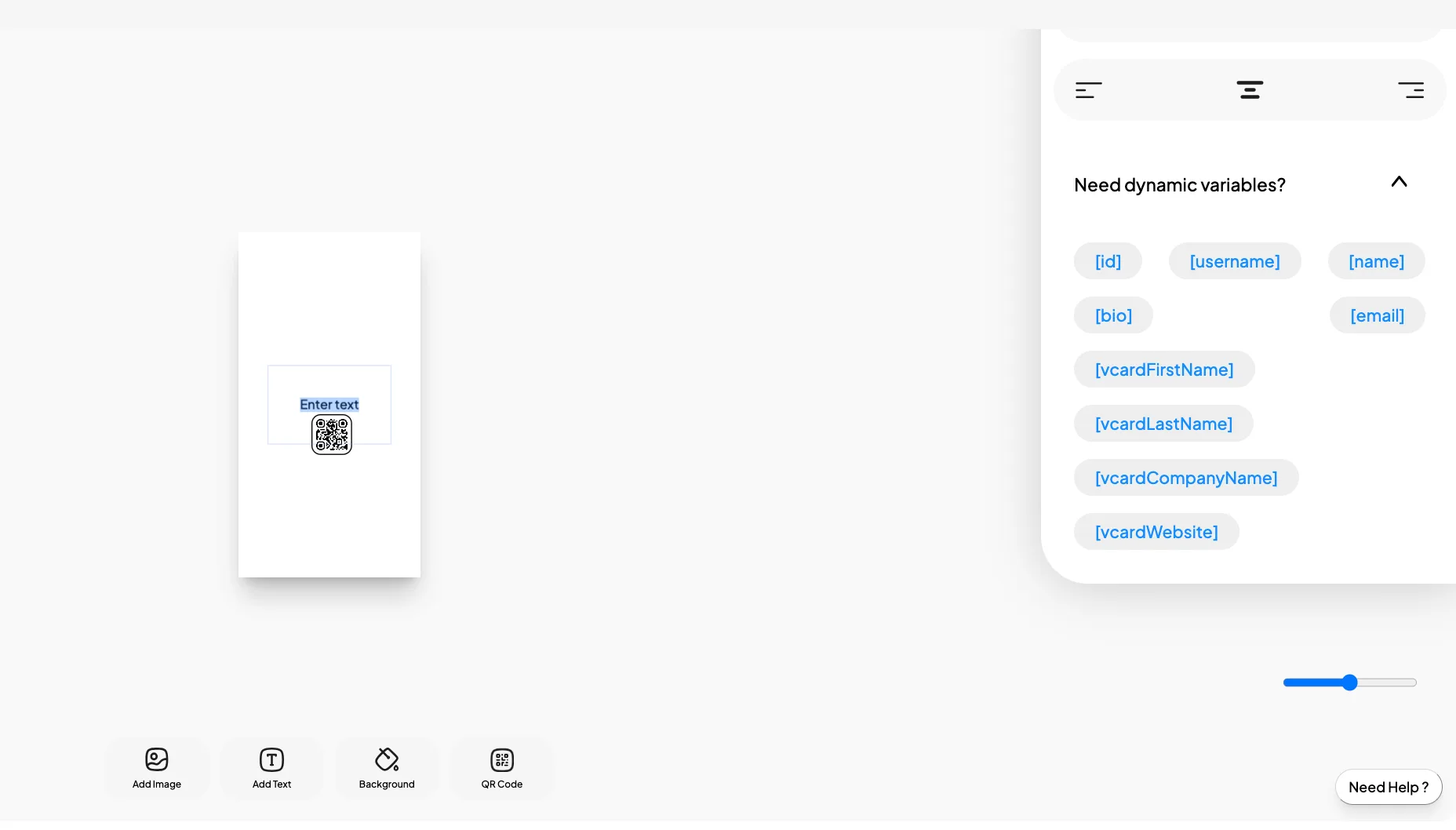
-
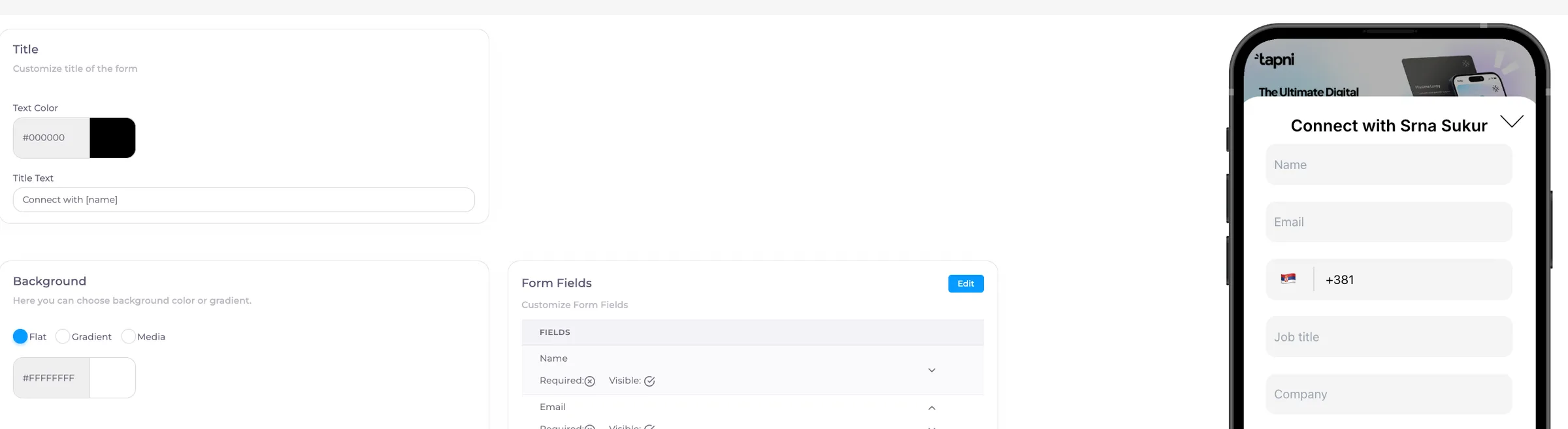
Form Templates
*Connect with [name]
📝 List of supported variables:
[id]
[username]
[name]
[bio]
[email]
[vcardFirstName]
[vcardLastName]
[vcardCompanyName]
[vcardWebsite]
[vcardEmail]
[vcardTitle]