Browse our comprehensive product guides and documentation
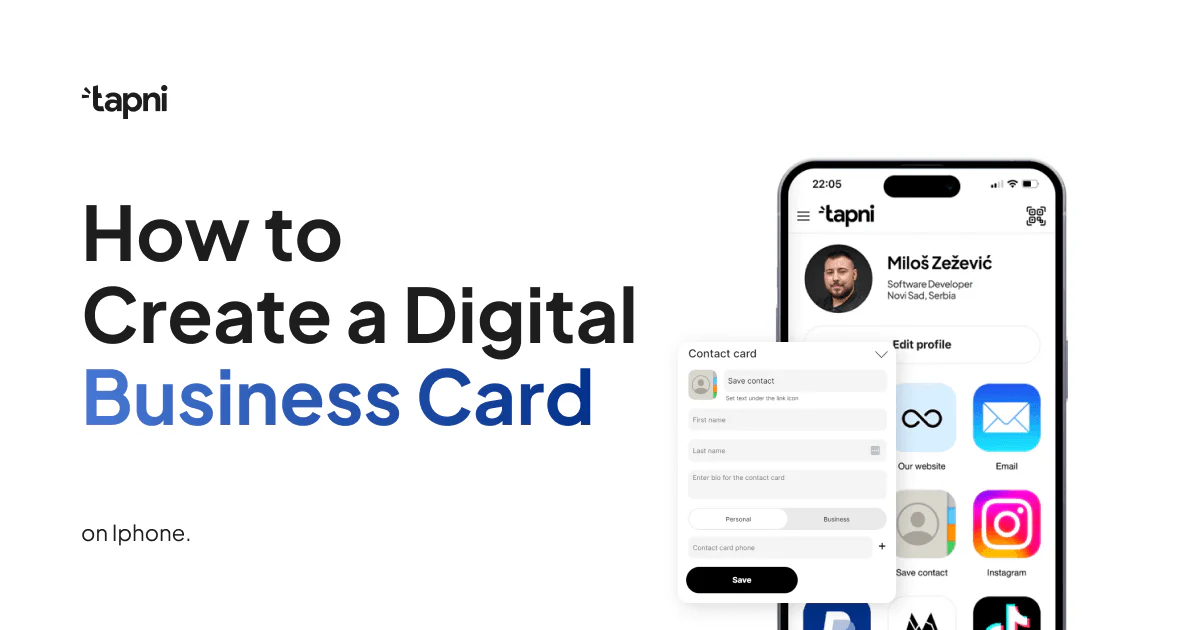
Although the business landscape has been rapidly changing, one thing remained a constant - a business card.
However, it doesn’t have to be a physical one, but a digital business card that’s even more effective and efficient than the traditional one.
Furthermore, you can easily and quickly create it on your iPhone in a way that reflects your personal or professional brand.
And if you aren’t sure how to do it, you’re in the right place - we’ll show you how to create a digital business card on an iPhone in a few simple steps.
Let’s dive in!
In order to start creating a digital business card on an iPhone, you need to download the app first and register.
The app is available on the Apple and Google Play Store.
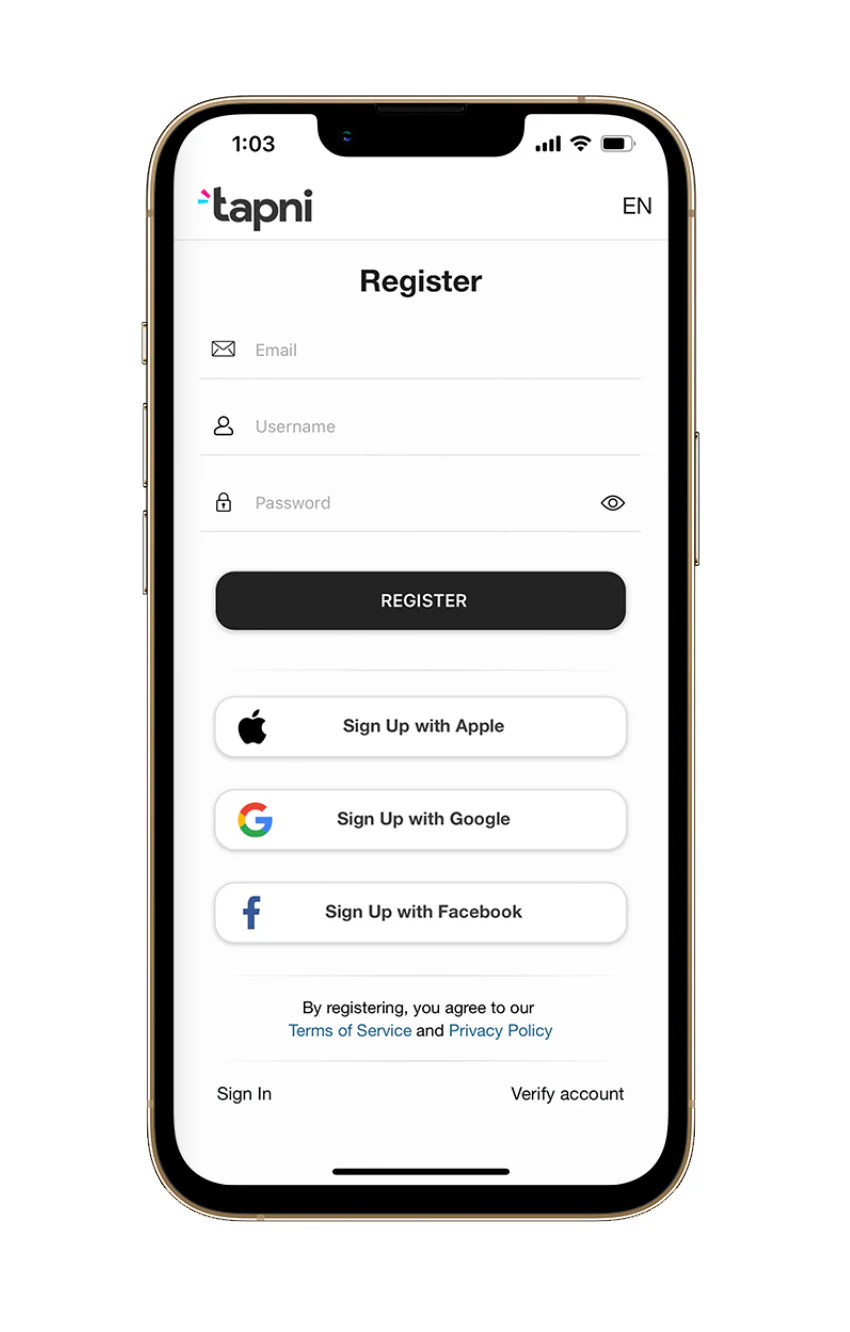
You can also sign up with Google or Facebook. The registration process is straightforward, and you need to enter your email, username, and password.
Creating an account provides multiple ways to design and polish your digital profile to cater to your audience and your business needs in the most optimal way.
Regardless of the link type, you can enter an unlimited number.
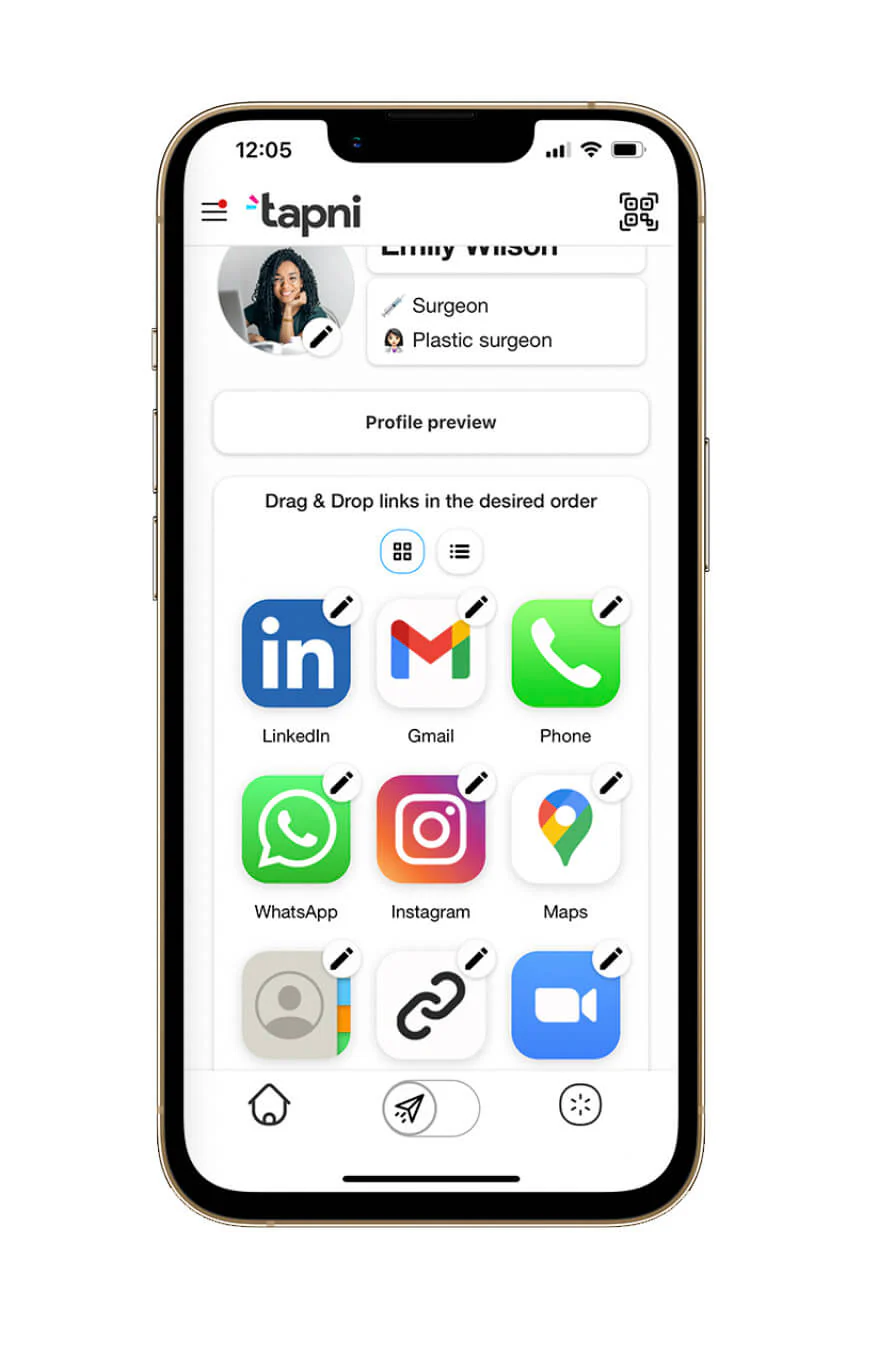
With custom links, you can send your contacts to a profile you wish them to see, while with direct links, your contacts will land on your desired social media channel.
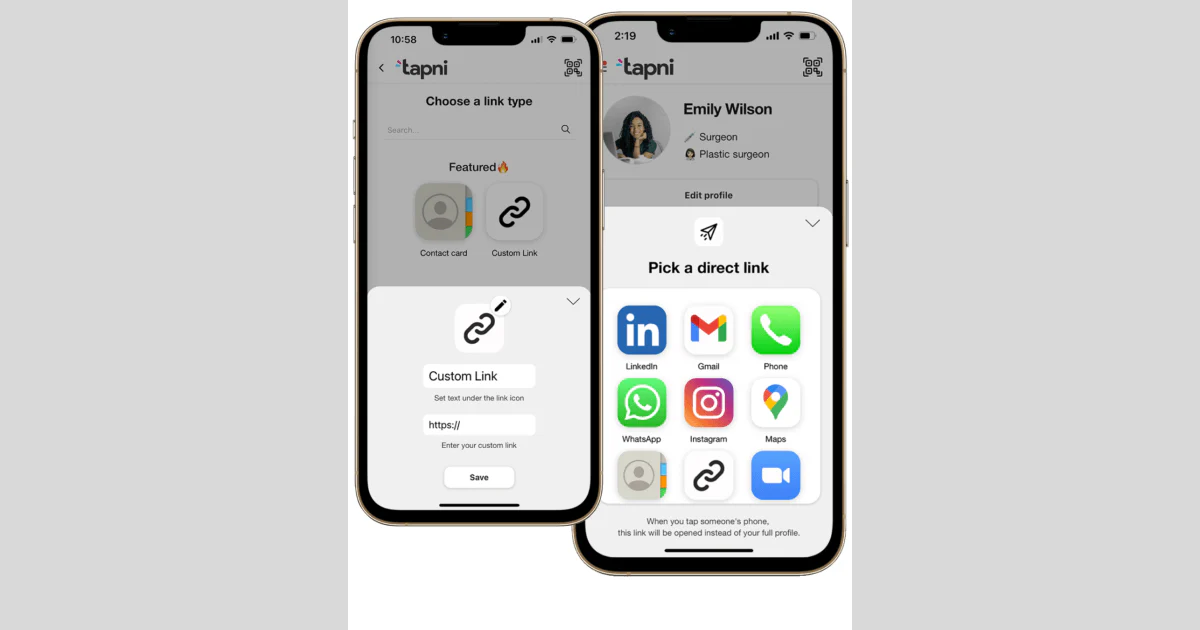
Once you’ve completed your profile, you can always get back to it later and make further edits and changes via the sidebar.
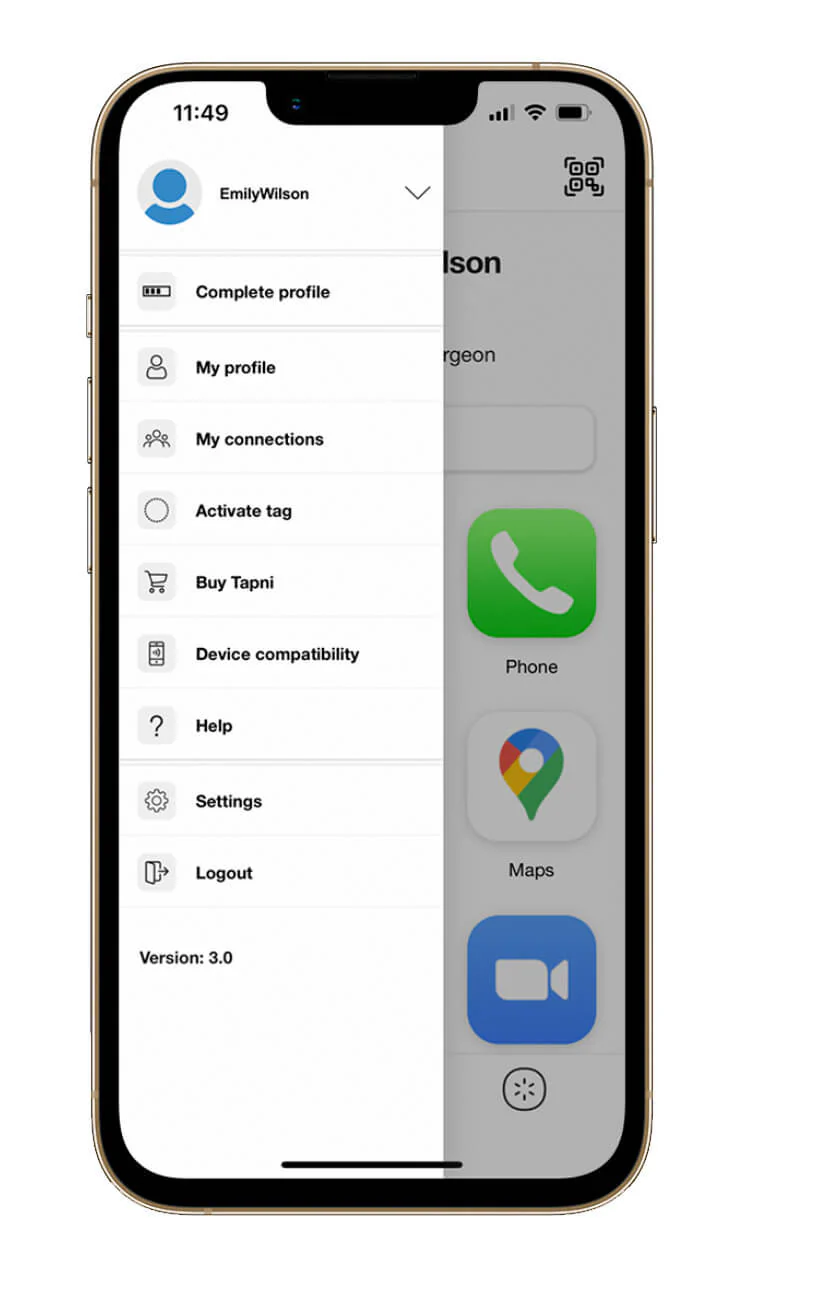
The sidebar shows you your connections, device compatibility, your profile layout, and it also gives you the option to activate your tag.
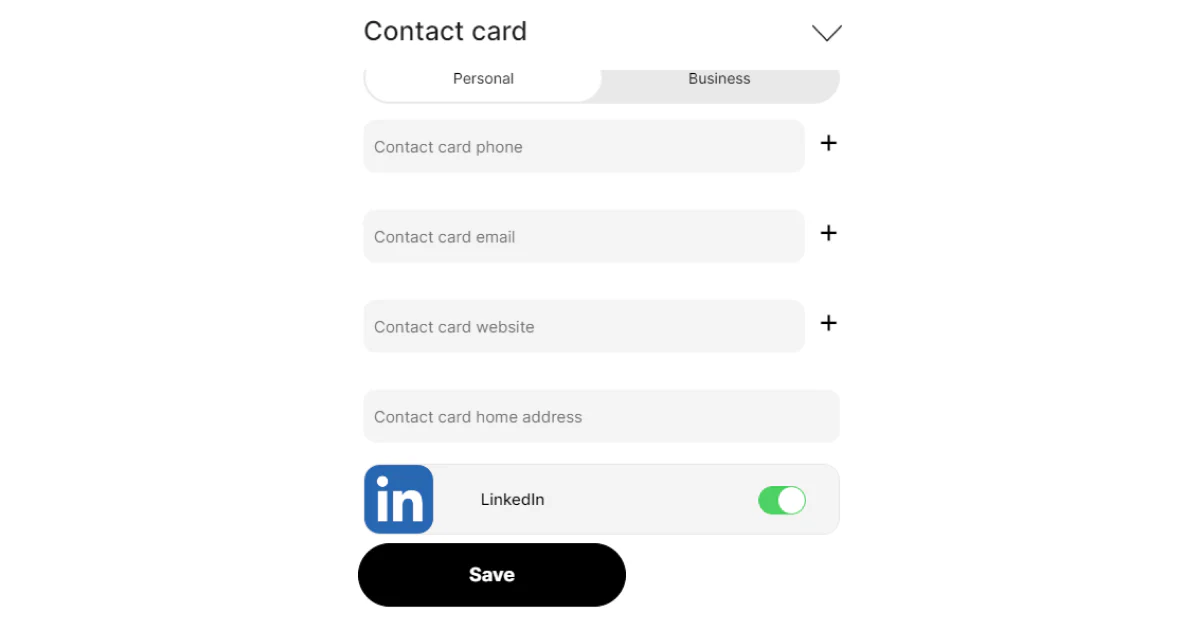
If you want the other person to download your information directly on their phone, you should add your contact card.
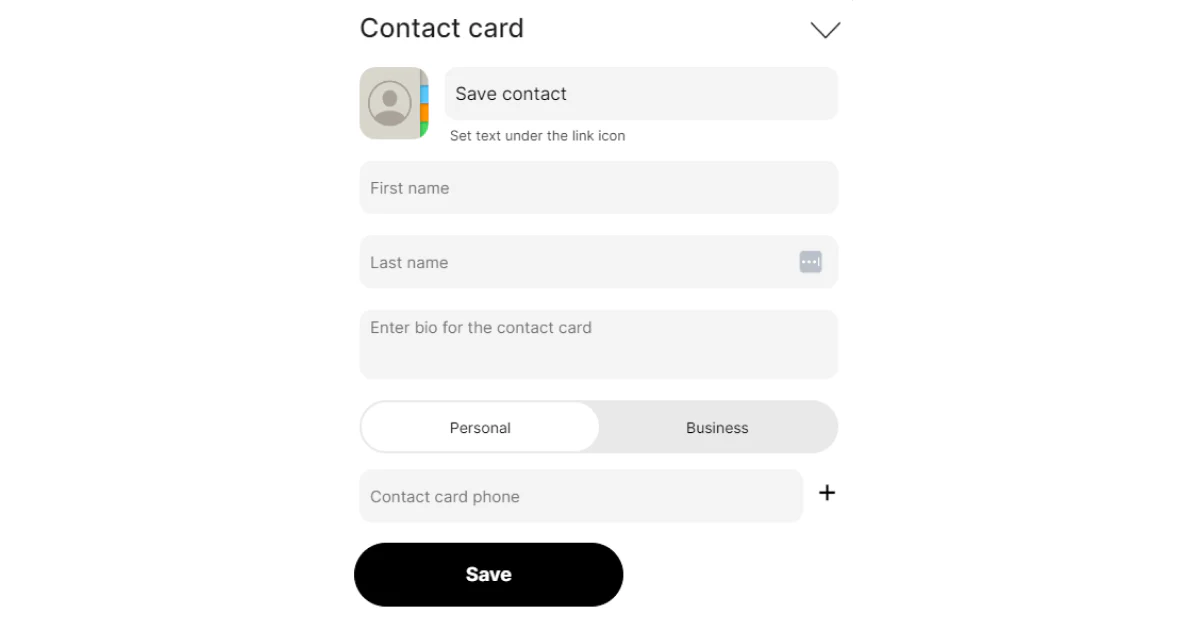
The process is simple- you just need to enter the info of your choice and select all social links you want to add.
Tag activation takes only 2 simple steps:
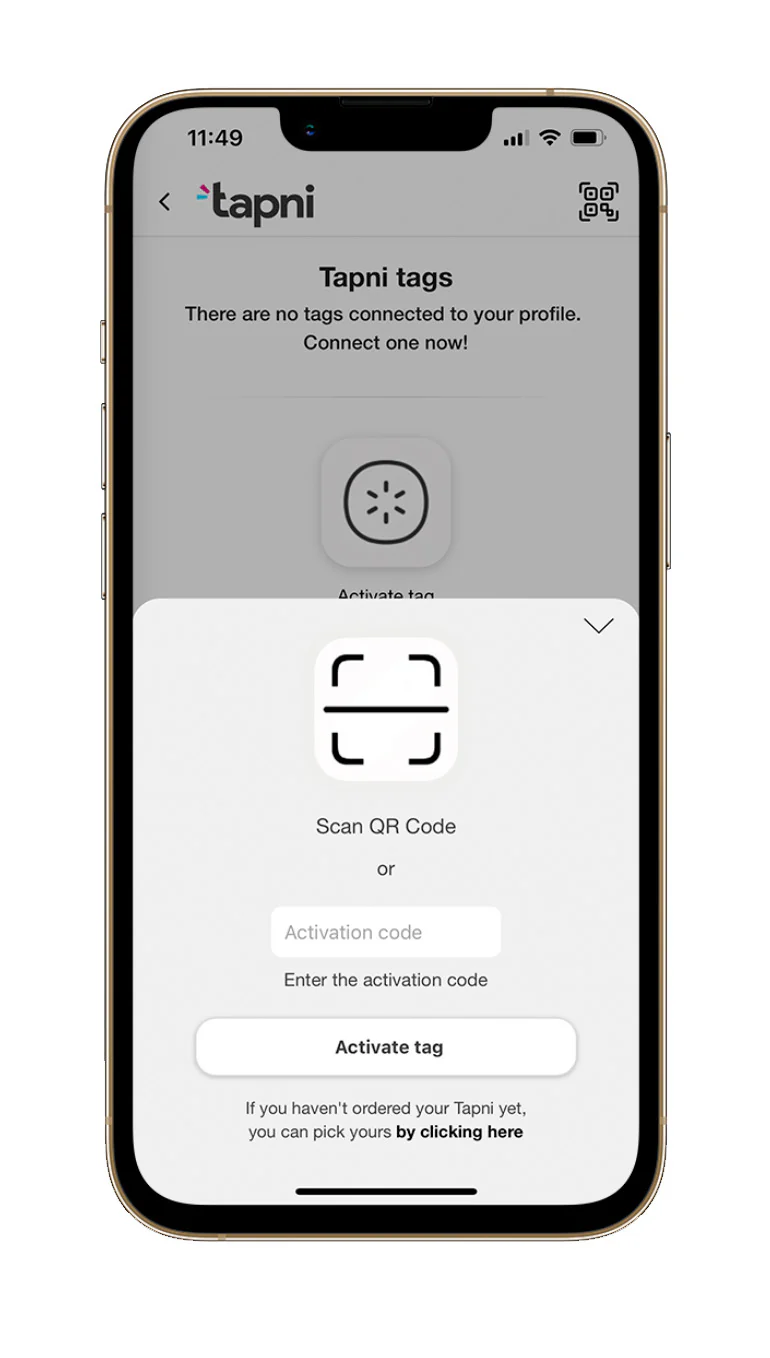
The QR code position differs depending on which Tapni product you use: for Cards, the QR code is at the front of your card, for Stickers at the back, and for Keychains inside the packaging.
Did you know that you can reassign your tag to another profile or user by deleting it from the current profile and activating it on the new one?
And voilà, you are all set to go and start networking like a pro.
Having an eye-catching and interactive digital business card isn’t enough to propel your networking - you need to use it efficiently.
When attending conferences, trade shows, or other networking events, digital business cards provide a quick and efficient way to exchange contact information.
In addition, when you share your digital business card, you can include a personalized message saying why you think your new contact is a good business match.
Digital business cards can be seamlessly integrated with your phone's contacts or specialized apps, meaning you can categorize and tag contacts for easier reference.
Furthermore, you can also add notes about where and when you met the person, making it simpler to recall important details and tailor your follow-up communication.
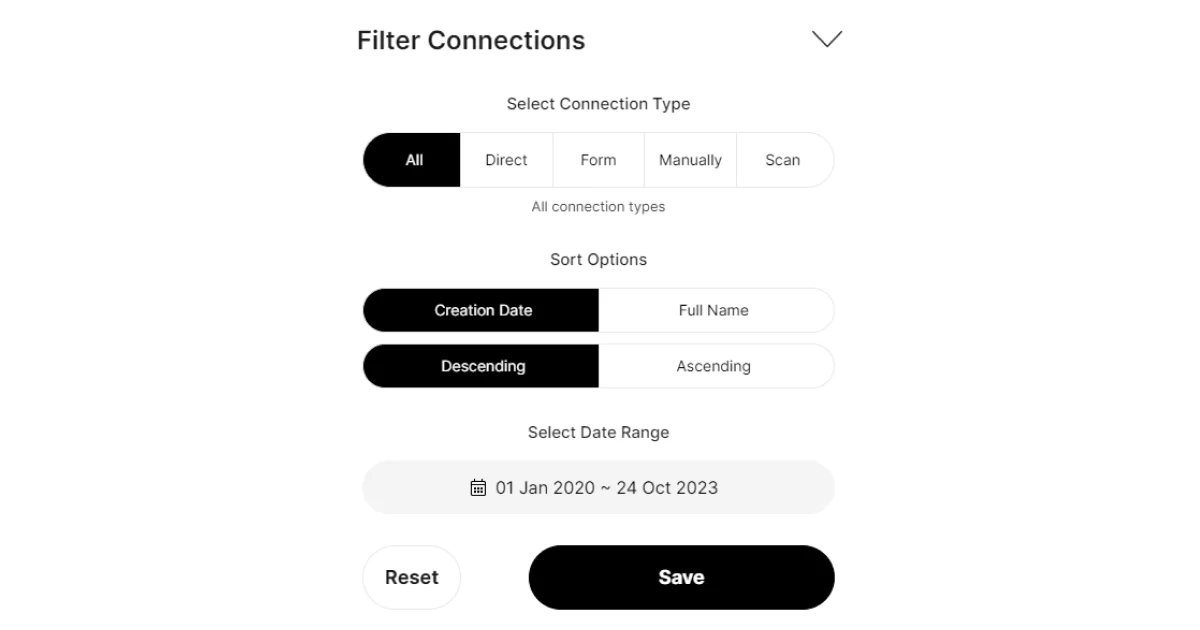
With Tapni, you can filter your connections according to multiple criteria:
✨ Connection types
✨ Sorting options, and
✨ Date range.
It’s important to follow up with new contacts to continue building and nurturing the professional relationship.
Furthermore, if you use an app that offers analytics to track the engagement with your card, you’ll have a formidable tool to guide your follow-up strategies.
Being able to see if someone opened your card, clicked on links, or saved your contact info enables you to reach out to contacts who have shown more interest in your profile.
For Business Users, the Tapni app provides a follow-up feature that sends your contacts directly to your CRM and schedule follow-ups.
Unlike traditional paper business cards, you can easily update digital cards to reflect changes in any previously provided information.
You can even create an explainer video in minutes using AI and link it directly to your card, giving new connections an instant visual introduction to what you do.
Whether attending an event or meeting a potential client, you can turn your iPhone into a powerful networking tool by creating a digital business card.
Tapni is a digital solution that provides valuable tools for expanding your professional connections and opportunities.
Besides creating your personal profile, the Tapni app assists you in creating a digital profile for teams and businesses.
Thus, you can:
✅ Do integrations with HubSpot, Pipedrive, Zapier, Microsoft Azure, etc.
✅ Automate lead generation by sending contacts to your CRM.
✅ Regroup, tag and reorder contacts in the way it makes sense for you.
✅ Manage your team and its activities from the centralized dashboard.
✅ Use metrics tools to get actionable analytics to measure ROI at events, check the number of views, etc.
Ready to see all the things Tapni can do for you?
Download the Tapni App for your iPhone today to maximize the effectiveness of your digital business cards.
You can use your iPhone as a digital business card if you have created a digital profile or a digital business card using apps such as Tapni, Blinq, V1Ce, etc.
The best app is the one that fulfills your requirements and answers to your business needs.
Taking that into account, you can choose digital apps that only create business cards or go for more advanced apps, like Tapni, which provides robust features and analytics.
If you and your card receiver use Apple products, you can use AirDrop to share your digital business card.
4 Best NFC Business Cards on the Market in 2023
8 Best Digital Business Card Apps
How To Create a Digital Business Card - 6 Steps To Digitalization