Browse our comprehensive product guides and documentation
You can place your Tapni QR code directly on your phone’s home screen for instant access. This lets you share your digital card in seconds - no need to open the app or search for your profile.
Follow the steps below to add the Tapni widget to your home screen and start sharing faster.🚀
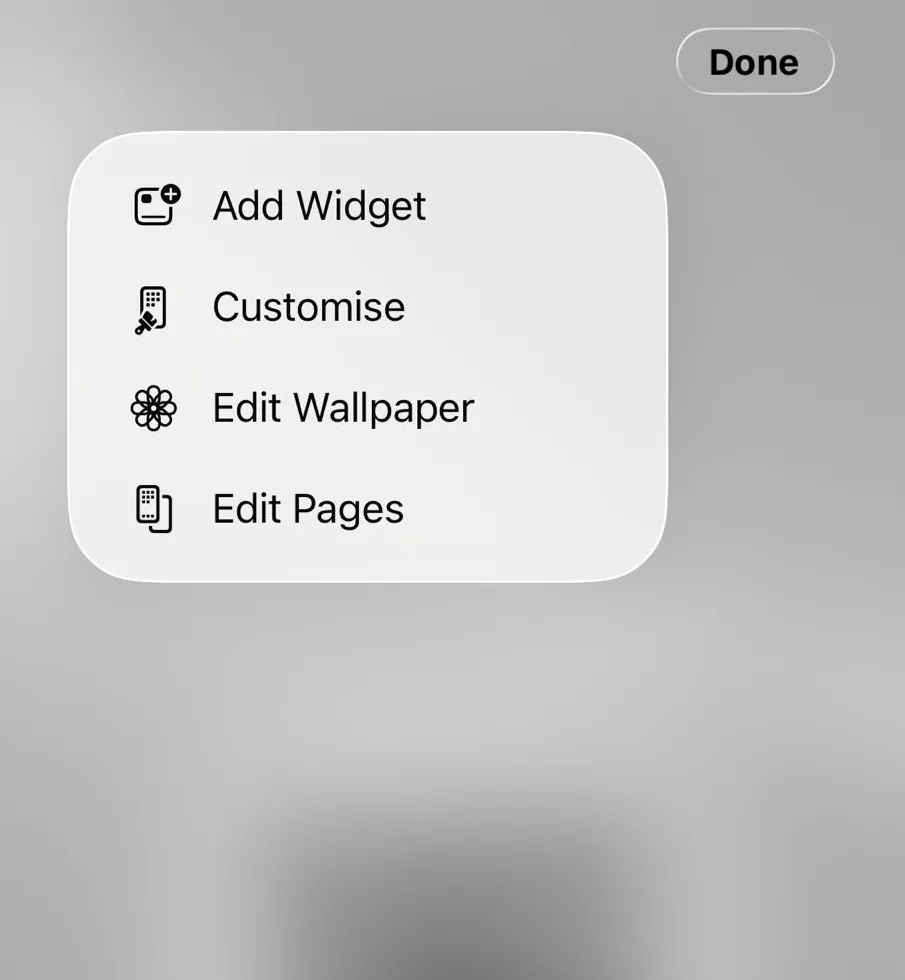
Make sure you are logged into the Tapni app. On your phone, press and hold on the home screen until the widget editing menu appears. Then tap Edit, followed by Add Widget.
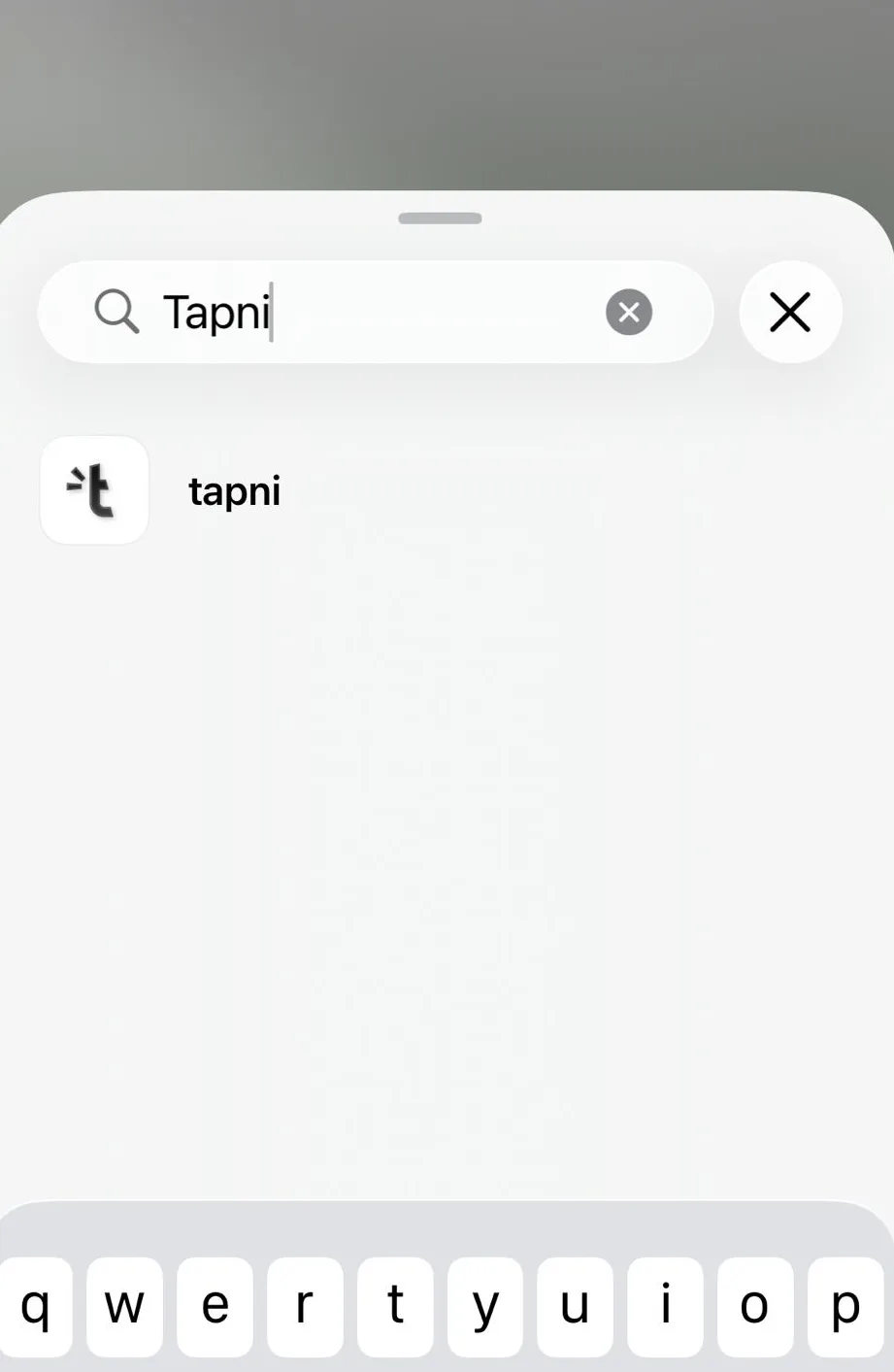
In the widget search bar, type Tapni and tap on the app when it appears.
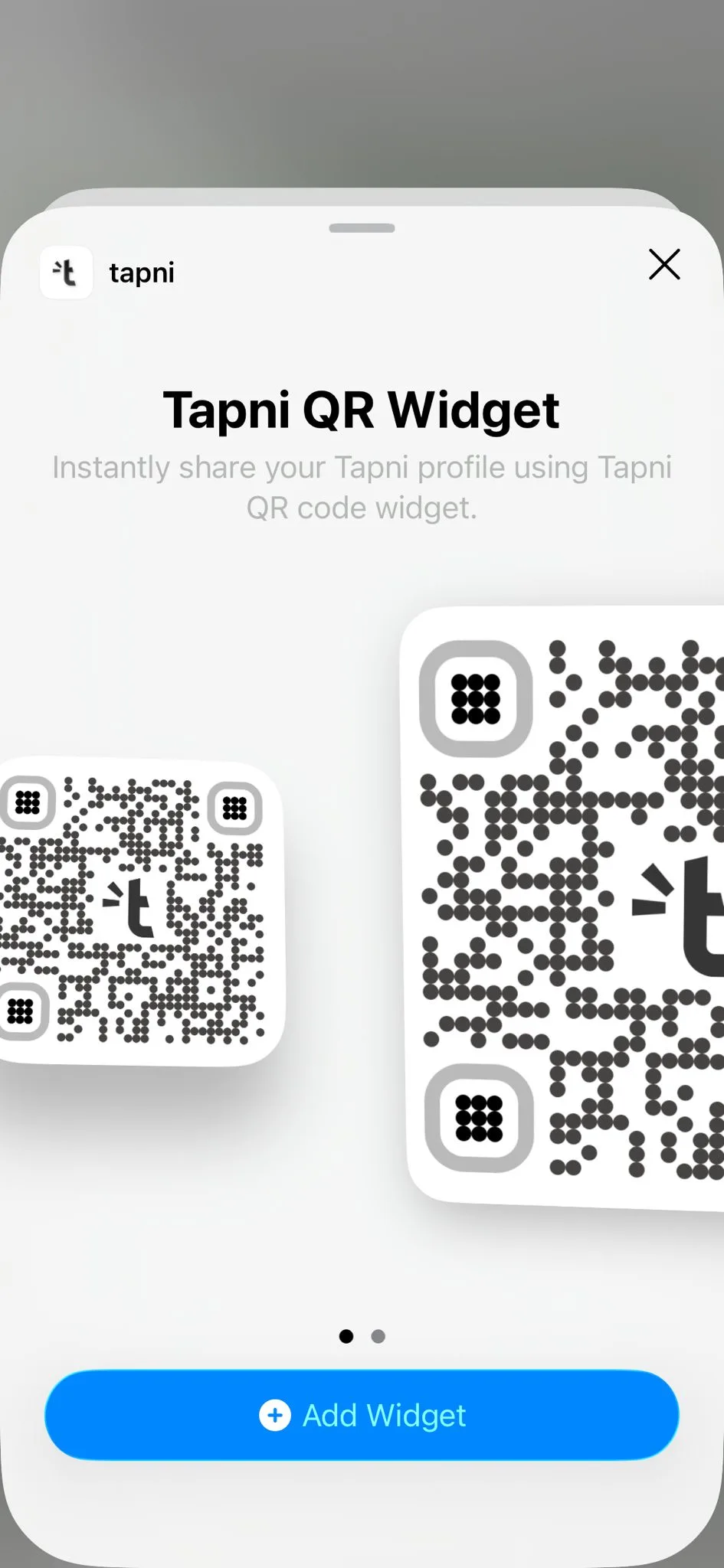
Choose whether you want the small or large widget, select it, and tap Add Widget.
Your widget will be placed on your home screen, where it can be scanned directly from the screen. It’s also clickable and will open your Tapni app.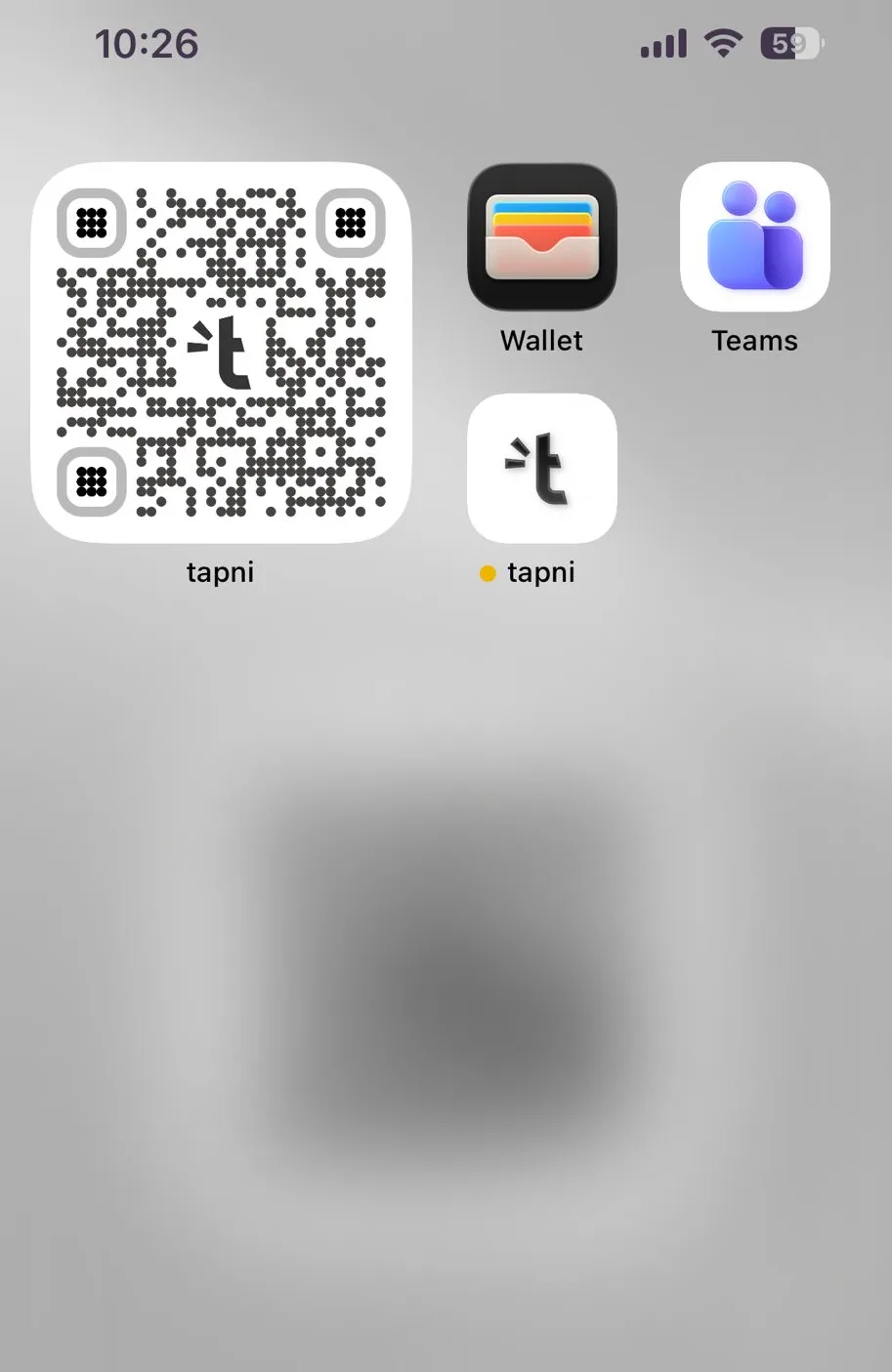
Your QR widget is now ready on your home screen and can be shared instantly without opening the app. Any updates you make in the Tapni app will automatically reflect on the widget.
Tap, share, and start networking. 🚀