Browse our comprehensive product guides and documentation
Building a recognizable brand often starts with a memorable logo. Thanks to AI, businesses, startups, freelancers, and creators can now explore professional-looking logo concepts much faster than starting from a blank canvas.
AI logo makers can generate design directions from your business name, industry, preferred colors, style, and brand description. They are especially useful for quickly testing visual ideas before applying a final identity across your website, social profiles, sales materials, and business cards.
A logo, however, is only one part of a strong professional identity. Consistency across the places where customers and new contacts encounter you is what makes a brand recognizable. If you are building your own professional presence, Tapni's guide to building a trustworthy personal brand is a useful next read.
With so many online AI-powered logo makers available, choosing one can be difficult. We reviewed and compared five popular AI logo makers for 2026 to give you a practical shortlist to test for yourself.
For this comparison, we looked at the logo creation workflow, range of generated concepts, customization options, brand-kit previews, export formats, pricing, and public Trustpilot ratings available at the time of review. Pricing, product features, and review scores can change, so always check the provider's current terms before purchasing.
|
AI Logo Makers |
Customization Allowed |
Rating (Trustpilot) |
Pricing |
|
Design.com |
✅ |
4.7 ⭐ |
Design.com offers a large variety of free logos, as well as business cards and websites. By downloading the free logos, you can also access its free website builder, link in bio maker and digital card maker. Pricing plans: Starter (Logo pack): $5 per month billed annually Value (Logo pack + Website): $6 per month billed annually Premium (Logo pack + Website and more): $7 per month billed annually |
|
BrandCrowd |
✅ |
4.7 ⭐ |
BrandCrowd also offers a large library of completely free logo templates. By downloading them, you can also benefit from its free website builder, link in bio builder or digital business card maker. Pricing Plans: Starter (Logo + 50 design tools): $5 per month billed annually Value (Logo + 50 design tools + Website): $6 per month billed annually Premium (Logo + 50 design tools + Website and more): $7 per month billed annually |
|
Turbologo |
✅ |
4.3 ⭐ |
Starts at $9.99 for 3 months (one logo in low resolution) |
|
Logomaker.com |
✅ |
3.7 ⭐ |
Starts at around $40 (high-resolution file download). |
|
LogoAI |
✅ |
2.2 ⭐ |
Starts at $29 for a one-time payment (800 x 600px) |
Note: Prices and Trustpilot ratings shown above reflect the information available when this comparison was prepared and may change over time.
There is no better way to find the right tool for your needs than to test the options yourself.
General Overview
Starting with Design.com, an all-in-one design and branding platform, it helps generate instant high-quality logos, business cards, social media posts, flyers, postcards, posters, email signatures and many other assets needed for a successful business launch, marketing campaign, or branding identity formation. This is possible thanks to its large library of over 500,000 logo templates, 750 fonts (525 exclusive fonts), and over 62,000 custom vector shapes.
The logo templates are created by professional designers and are presented by the platform for commercial use. Before using any generated logo as a long-term brand asset, it is still worth checking the applicable license and whether the design contains elements you can protect. Tapni's guide to trademarks, logos, and protected business-card assets explains some of the key considerations.
Making a logo with Design.com
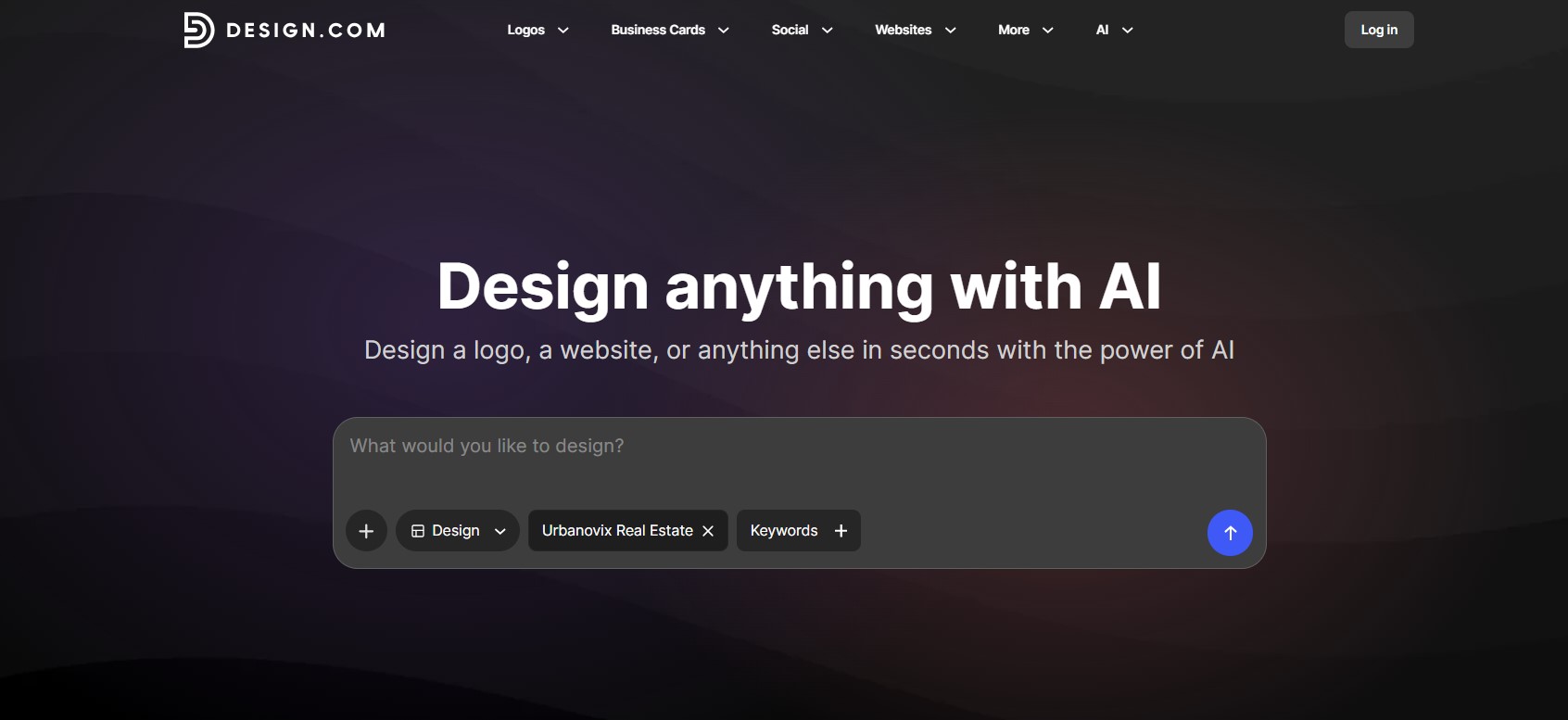
The logo creation process is simple and fast, with the steps arranged in a logical sequence. The first step is placed right on the homepage storefront, with no need to navigate anywhere else. You start by choosing the asset you want to create from the dropdown menu (logo in our case), entering your business name, some relevant keywords in your industry, and a description of your preferred logo design.
Here’s what the logo template results for our example real estate agency look like: 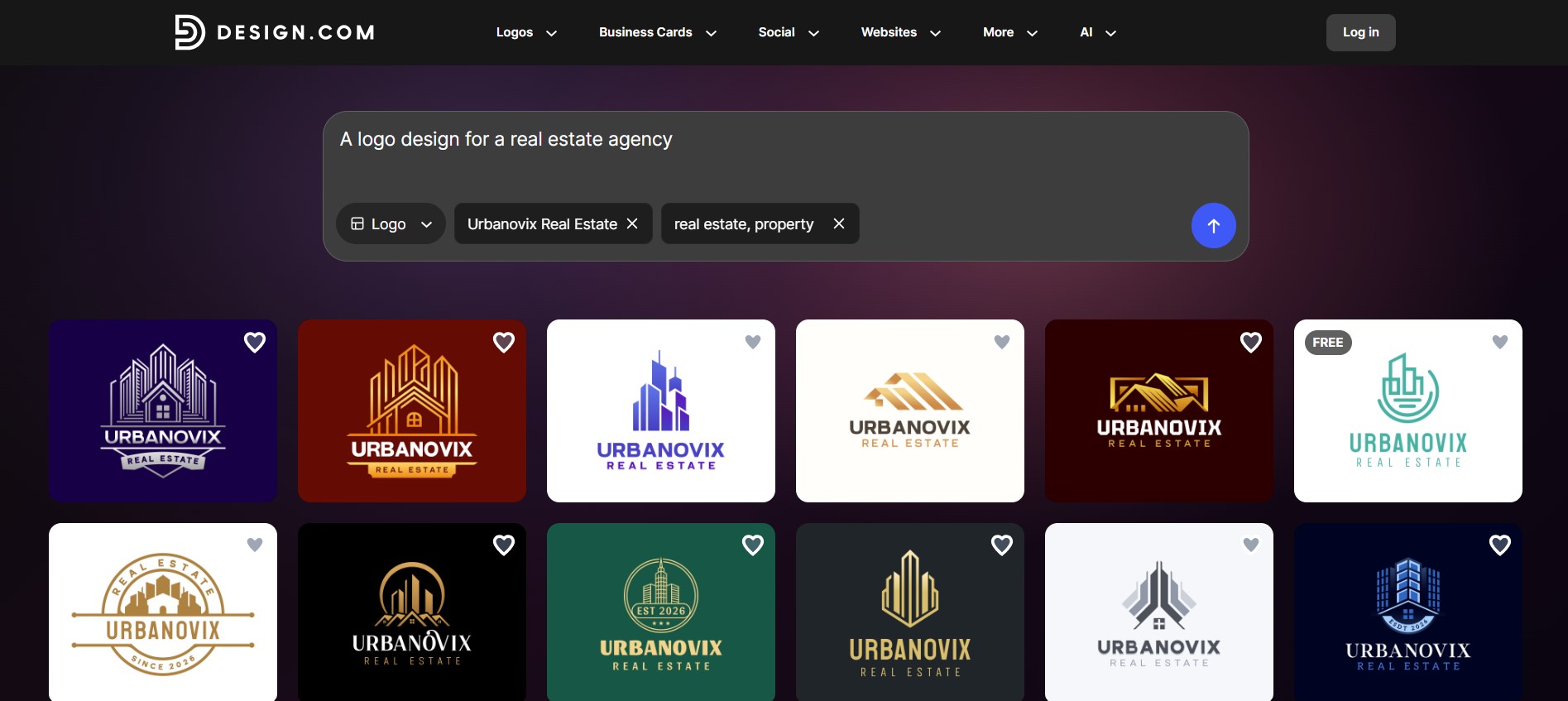
In our test, the platform returned around 15,000 logo template options across different styles and designs. All the templates are fully customizable through a customization dashboard. Here, you are free to edit backgrounds, text, and layouts, as well as add shapes and animation styles. And if you haven’t found what you need, there is a built-in AI chat that can assist you with any specific editing requests.
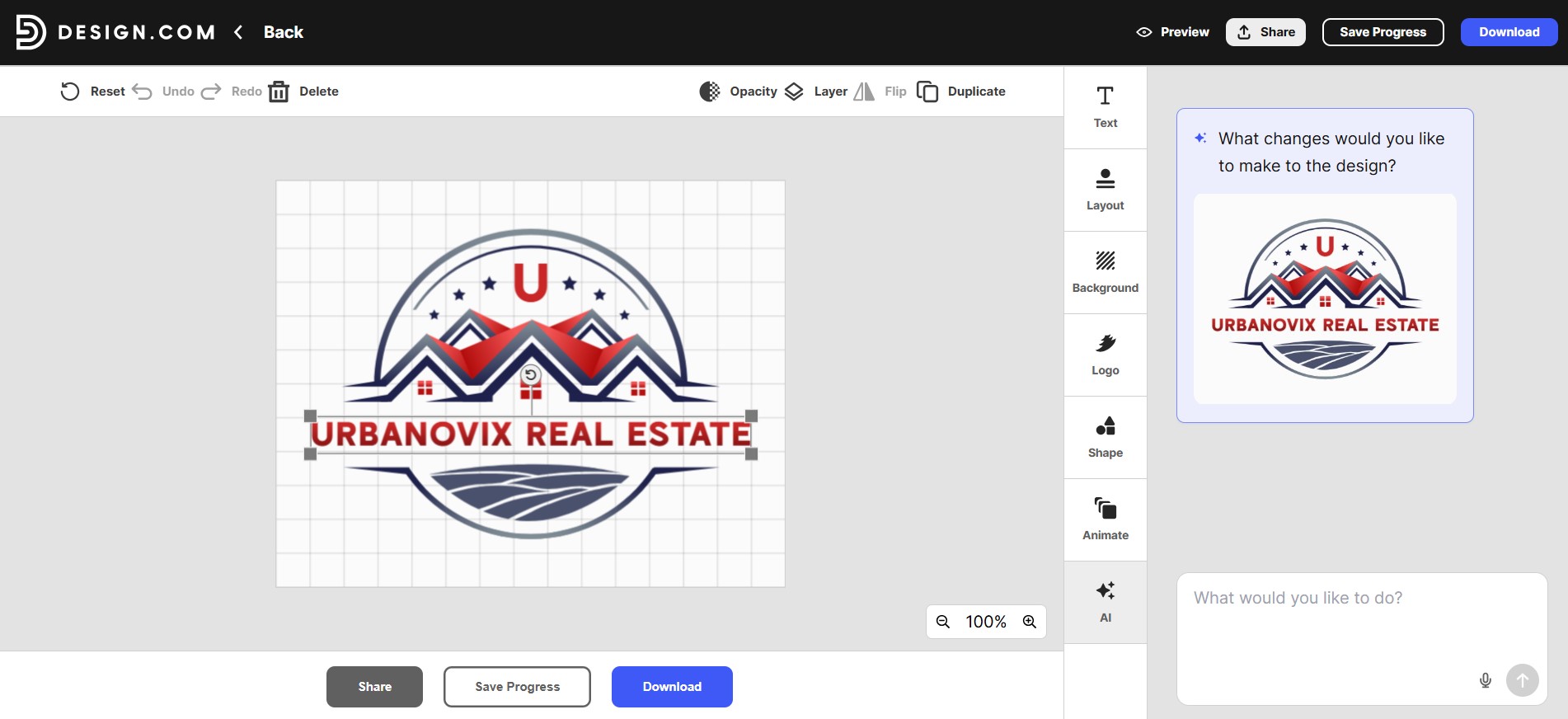
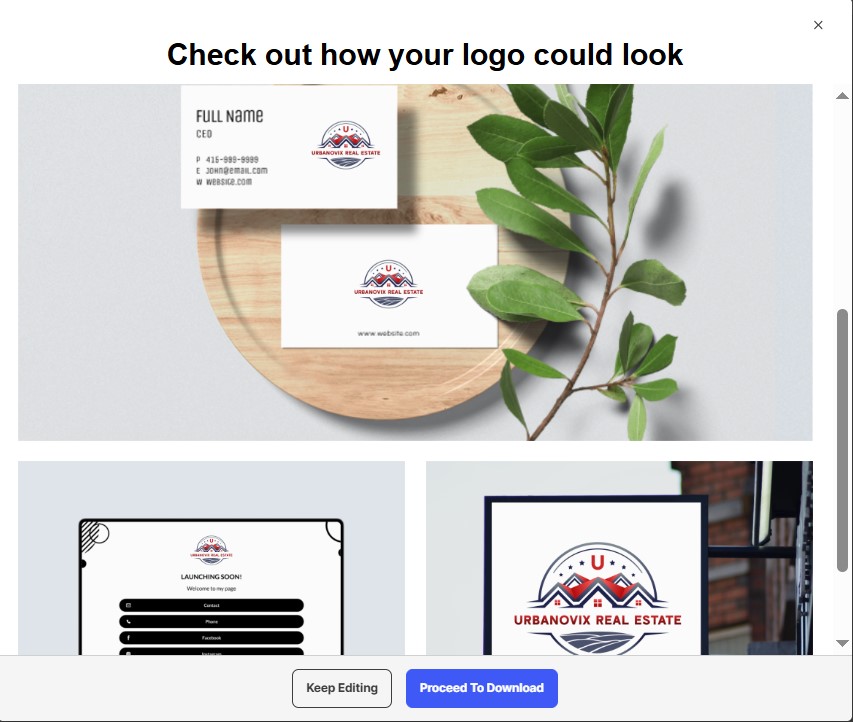
There is also an option to preview your final design on various branding materials such as business cards or banners before you actually proceed to downloading it. If business cards are one of your main brand touchpoints, you can also explore these digital business card design ideas for inspiration on how to carry your visual identity beyond the logo itself.
Pricing Plans
Design.com offers a large variety of free logos, as well as business cards and websites. By downloading the free logos, you can also access its free website builder, link in bio maker and digital card maker.
Design.com also offers affordable pricing plans that unlock more features and tools:
Starter (Logo pack): $5 per month billed annually
Value (Logo pack + Website): $6 per month billed annually
Premium (Logo pack + Website and more): $7 per month billed annually
The logos created with Design.com can be downloaded in various file formats, such as SVG, EPS, PDF, JPG, PNG, as well as animated files, including GIF and MP4.
Next up is BrandCrowd, another comprehensive AI logo maker that you can consider for your creative workflow.
General Overview
BrandCrowd helps businesses create logos, business cards, social designs, and other visual brand assets. On the platform, you can find a list of popular keywords and industries with preliminary templates to start with. Or, you can directly turn to creating your logo from your business name, logo or business description.
Making a logo with BrandCrowd
When you open BrandCrowd’s AI logo generator, you get a description box where you can enter a few words about your business to receive tailored templates.
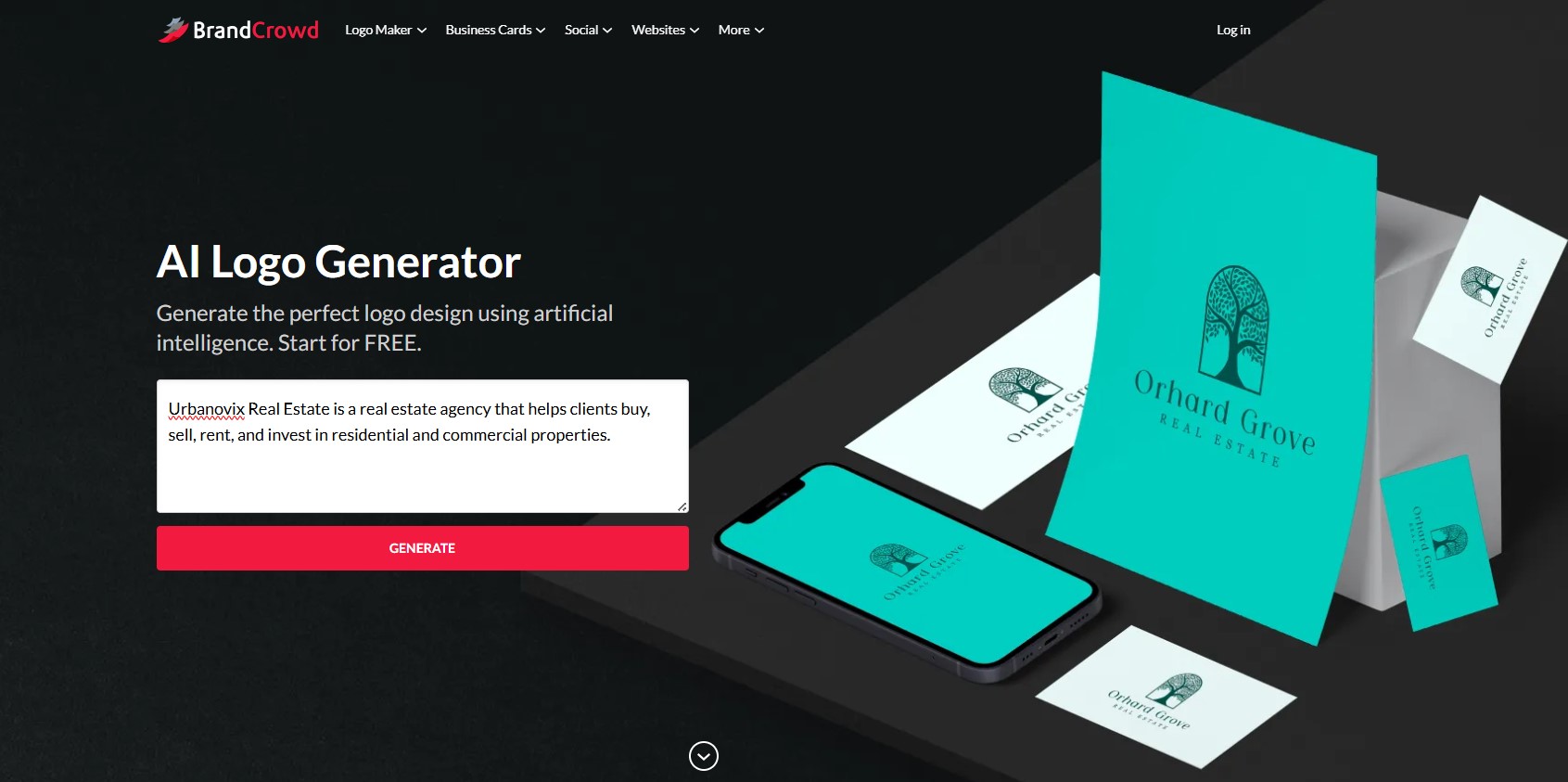
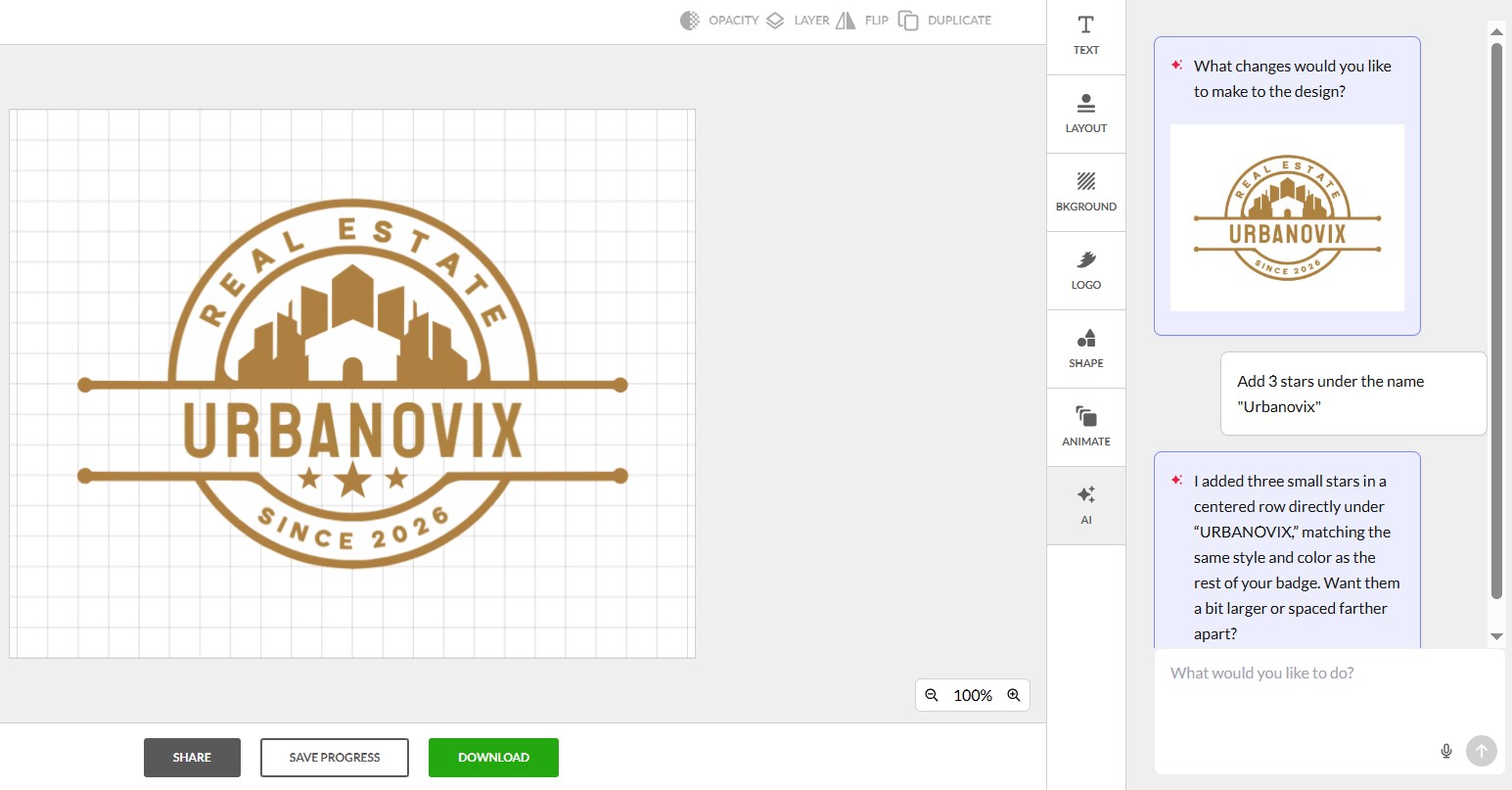
The platform automatically enters industry-related keywords and suggests over 9,500 customizable logo ideas. If you have found your favorite logo, but need to adjust specific details, like layouts, background or text, all of it is possible through the special customization dashboard. We also noticed the built-in AI chat, perfect for describing specific requests and making the changes in real time.
BrandCrowd also offers the logo preview option before downloading the final design in various compatible formats such as SVG, EPS, PDF, PNG, JPG, GIF and MP4.
Pricing Plans
BrandCrowd also offers a large library of completely free logo templates (over 380,000), and by downloading them, you can also benefit from its free website builder, link in bio builder or digital business card maker.
You can also consider BrandCrowd’s pricing plans with different additives:
Starter (Logo + 50 design tools): $5 per month billed annually
Value (Logo + 50 design tools + Website): $6 per month billed annually
Premium (Logo + 50 design tools + Website and more): $7 per month billed annually
After downloading your logo, it is 100% commercially safe to use for various use cases such as business launch, marketing campaigns and more.
General Overview
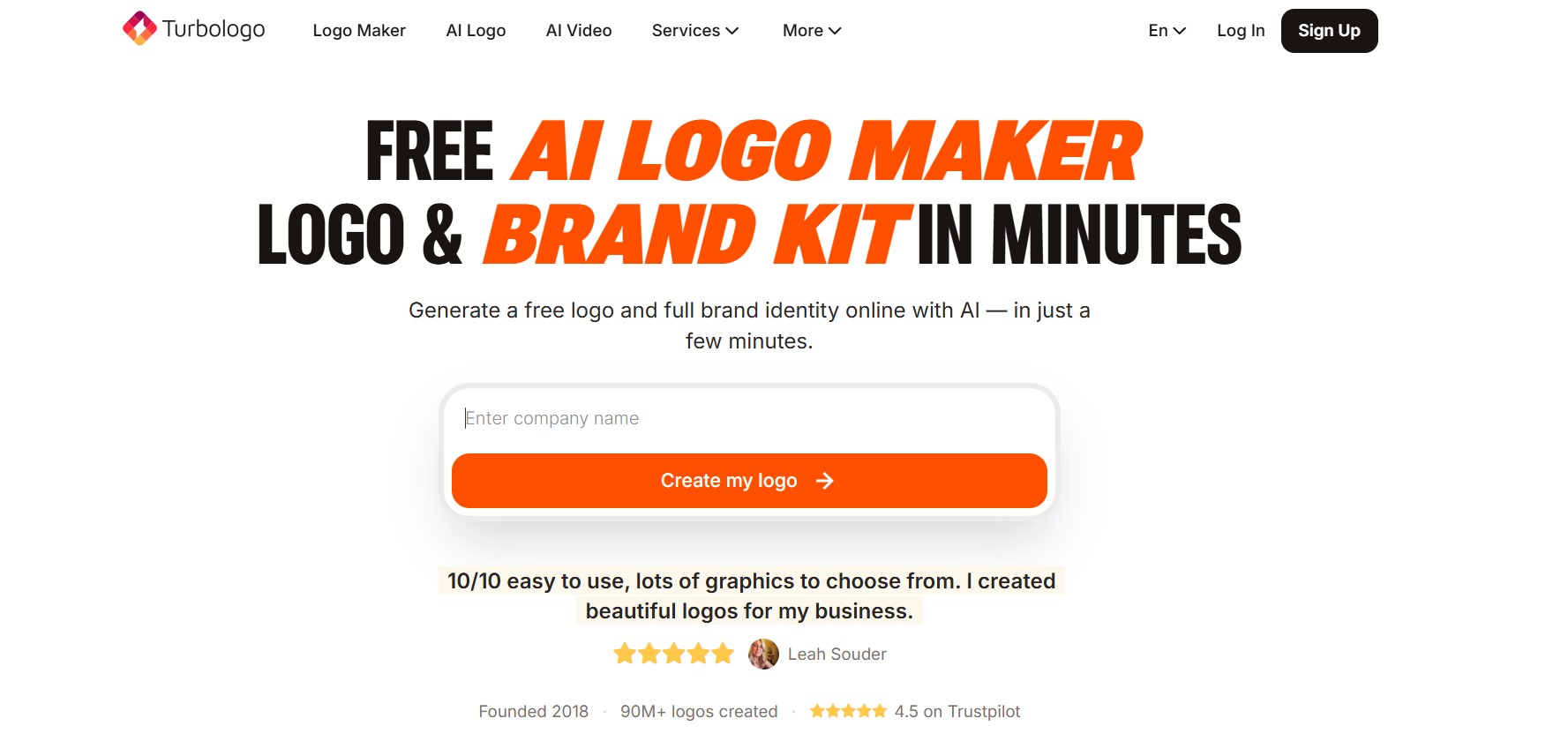
Turbologo is an AI logo maker, but it is not limited to logo creation. It offers a range of other tools and services such as generating a business name, social media posts, business cards, email signatures, and building a website around your logo. This broader brand-kit approach is useful because a logo becomes more valuable when it is applied consistently across every customer touchpoint.
Making a logo with Turbologo
You start with entering your business name and hitting “Create my logo”. Then, you need to select or fill out necessary information about your business, such as industry, optional (or AI-generated) slogan, closest logo styles, colors and symbols.
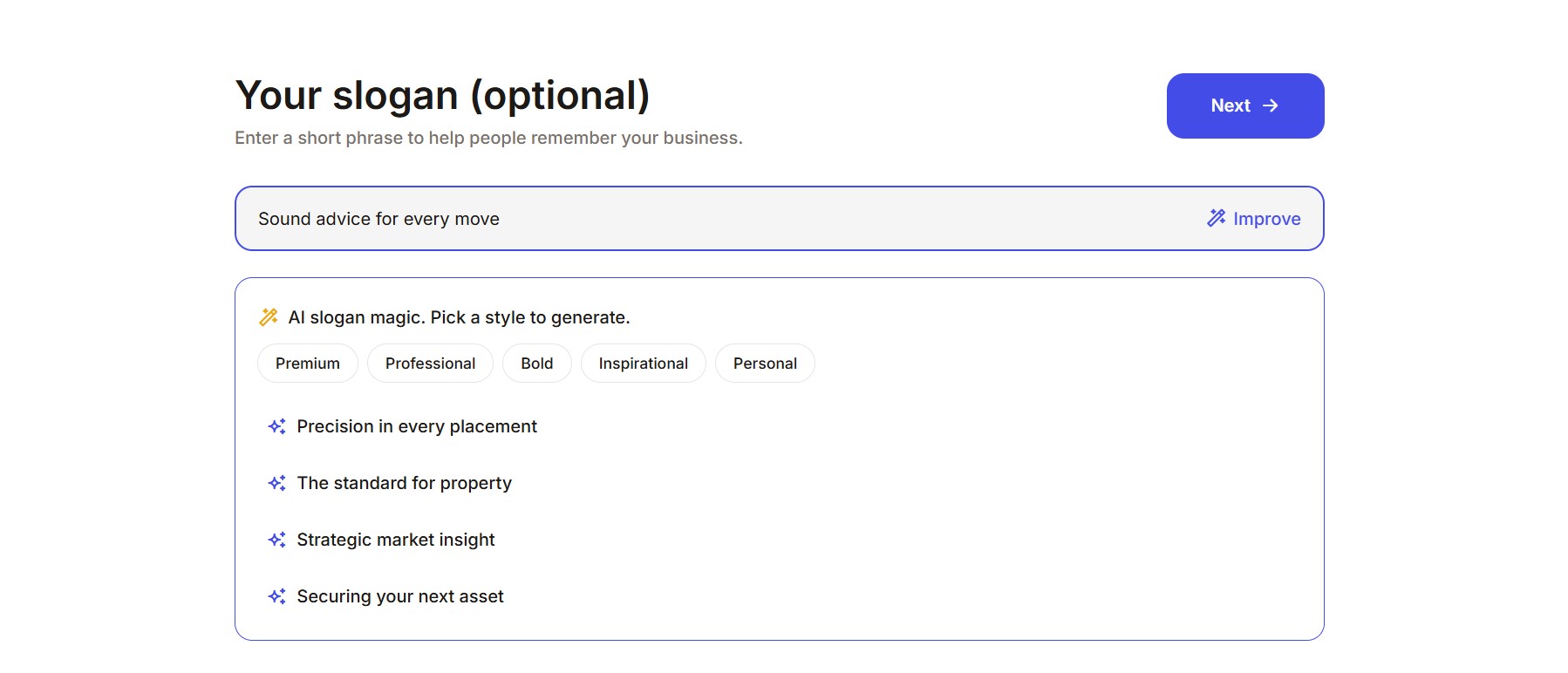
The platform generates different kinds of logo templates, ready for further refinements on its customization section (colors, shapes, icons, texts and more).
As you scroll down, you get to view your logo design and its real-time changes on branding kit items such as merch, social media, banners or business cards.
Pricing Plans
At the time of our review, downloading one low-resolution logo started at $9.99 for three months on the Lite plan.
General Overview
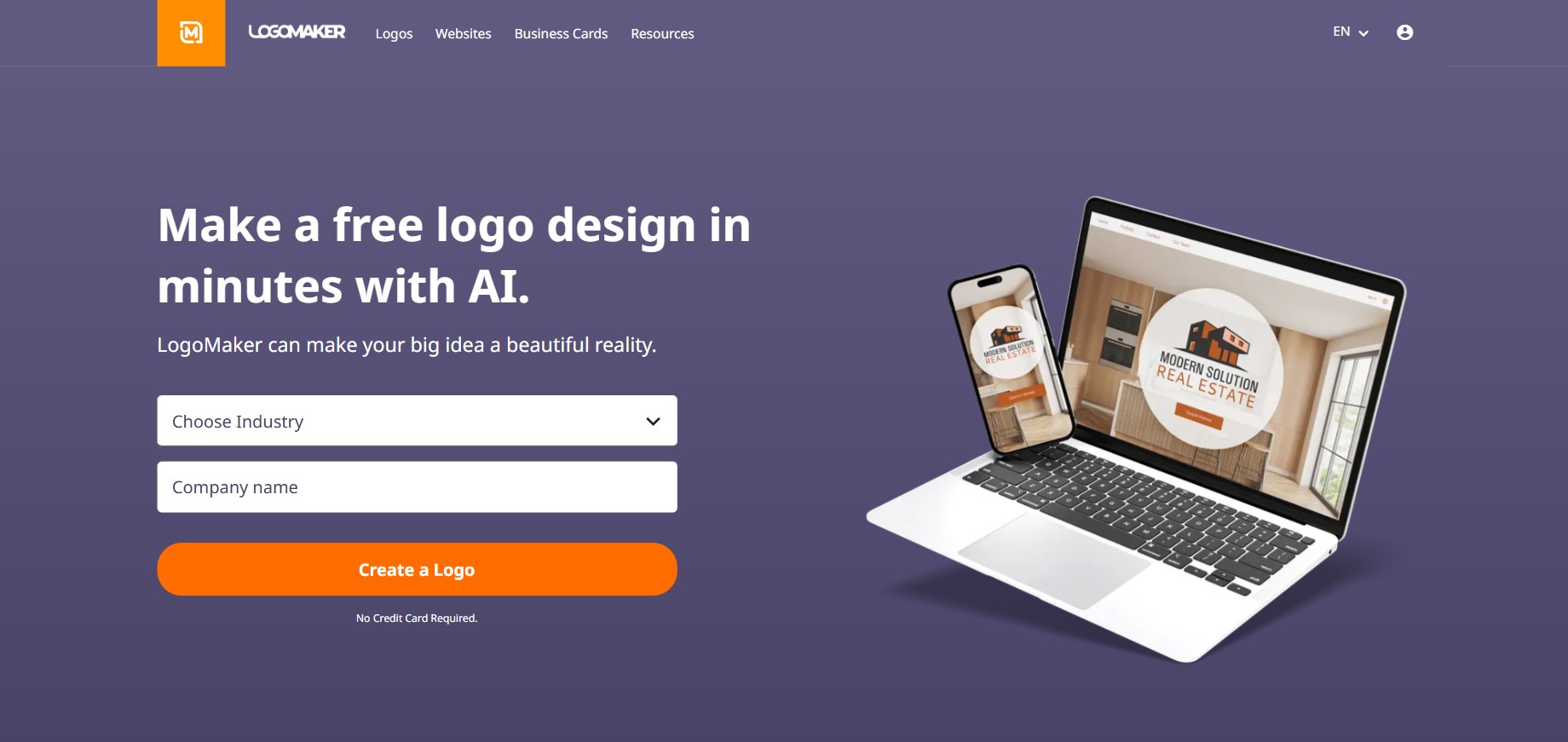
Logo Maker is an online platform, that uses AI technology to generate logos, and apply your logo design to other branding materials such as business cards or a website. The final logo designs can be downloaded in file formats, such as JPG, PNG, PDF, EPS and SVG.
Making a logo with Logomaker.com
Right on the platform's homepage, you start the logo making process by selecting your industry and entering your business name. Next, you answer a few more detailed questions, about your industry, your style preferences, and the feelings you want your logo to convey, for a more tailored experience.
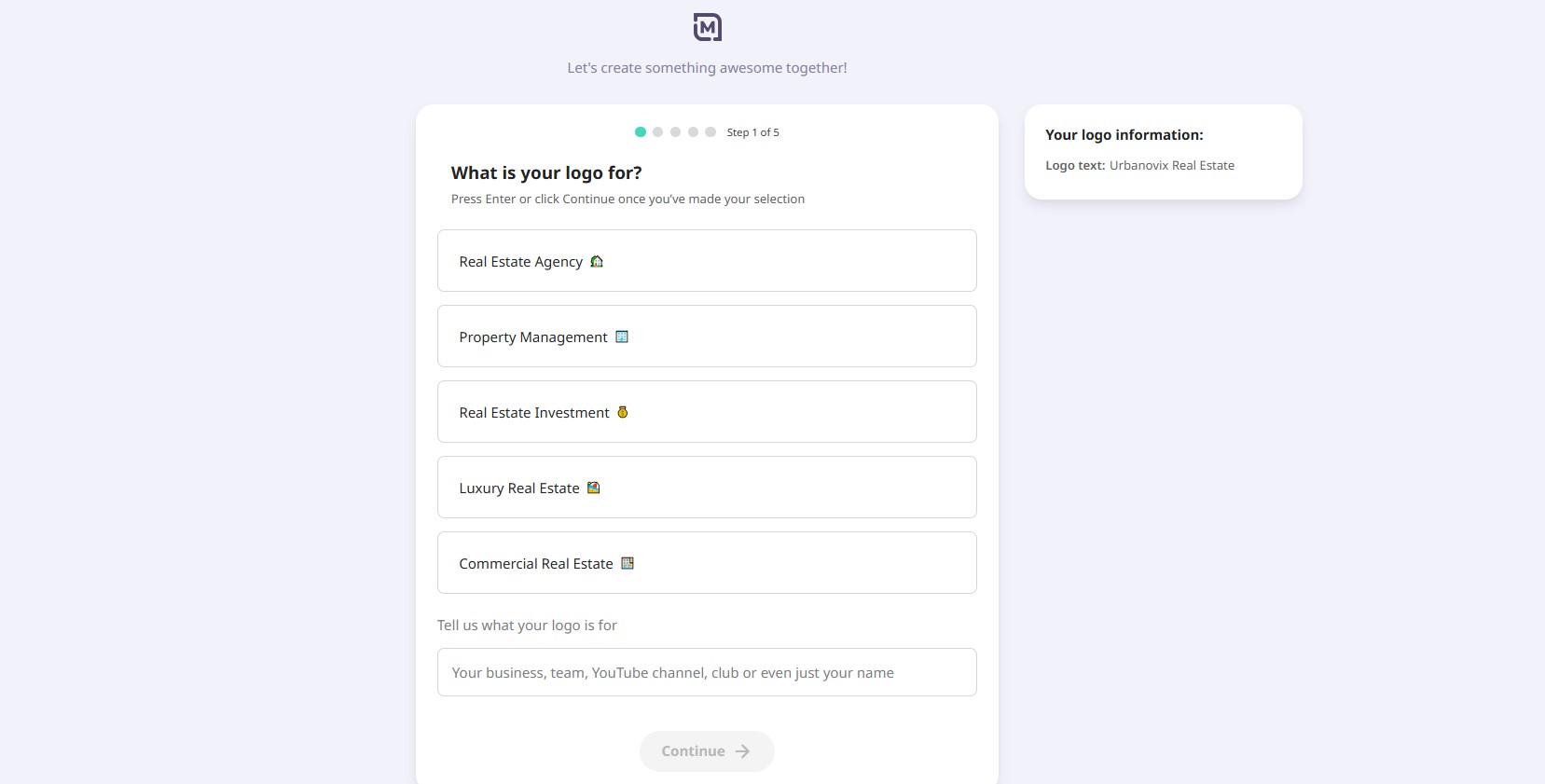
After answering the questions, you receive up to 10 initial templates and can generate more, if needed. Each of these templates can be customized (colors and fonts). Below the customization dashboard, the final design can also be previewed on a t-shirt, business card or website interface.
Pricing Plans
You can create and save logos for free, while a high-resolution logo download started at around $40 at the time of our review.
General Overview
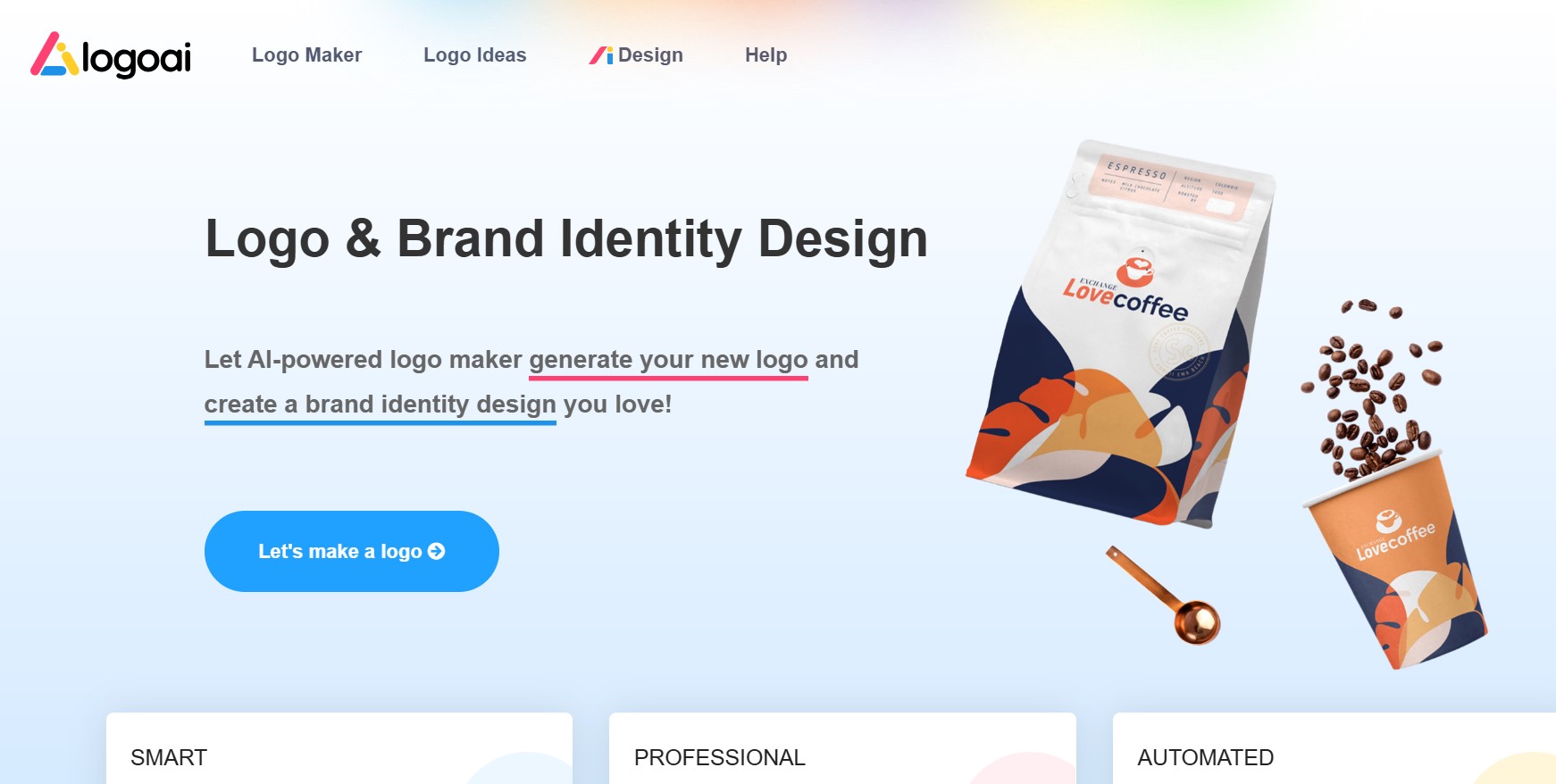
LogoAI is an AI logo maker that also provides tools for building a broader brand identity. Compared with some of the platforms above, its surrounding toolkit is more focused, covering assets such as icons, business cards, social media posts, email signatures, posters, and flyers.
Making a logo with LogoAI
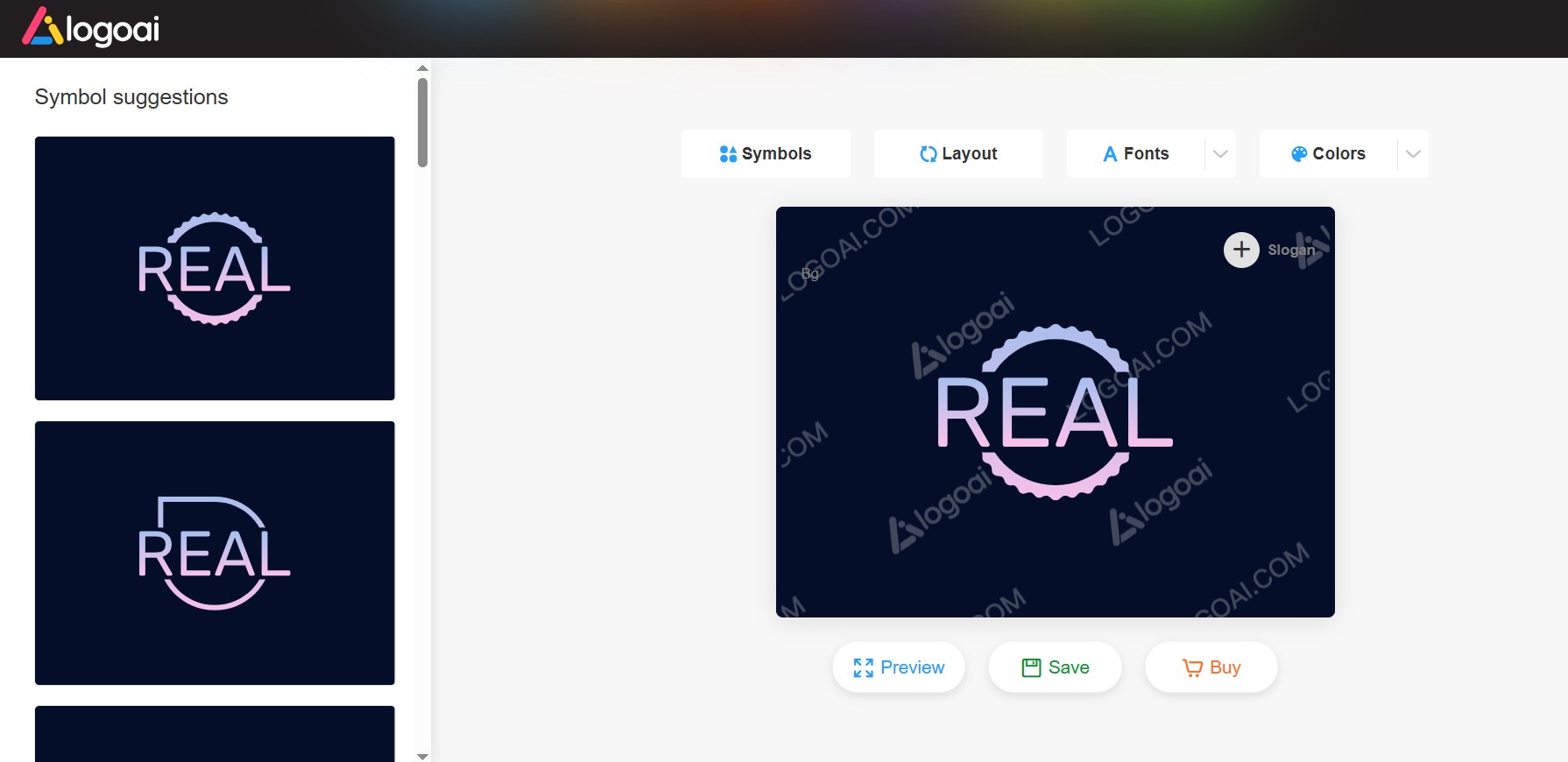
Creating logos with LogoAI also involves several steps you need to complete before getting your templates and customizing them. These steps include entering your business name, slogan (if you have it), selecting your industry from the suggested list of options, color palettes and font styles.
You will get 20 initial templates generated with an option to load more, if you didn’t like any of them. Pick one and turn to editing symbols, layouts, fonts and colors.
Pricing Plans
You can either save your changes or purchase the final version of your logo. At the time of our review, pricing started at $29 as a one-time payment for an 800 x 600 px file.
This review is based on our own testing, so your experience may vary depending on your specific needs. Your final choice can also come down to your own testing and whether the tool can bring your creative business ideas to life.
Here's what we found:
Design.com and BrandCrowd offered the largest template selection, with more unique designs, styles, and colors than the other tools.
Customization was strongest on Design.com, BrandCrowd, and Turbologo, while Logomaker.com and LogoAI had the most limited editing options. However, it is worth noting that Logomaker.com asked the most industry-specific questions, making it possible to create a logo tailored closely to our industry.
Design.com and BrandCrowd also stood out for their built-in AI chat, which made it easy to turn specific creative ideas into finished designs.
And finally, all five platforms were straightforward to use in our testing, with generally smooth navigation and no major interruptions.
Once you have chosen a logo, the next step is to use it consistently. Apply the same logo, colors, typography, and core brand message across your website, social profiles, email signature, presentations, and the way you introduce yourself in person.
Your business card is one of those high-intent brand touchpoints because it appears at the exact moment you meet a potential client, partner, employer, or collaborator. If you are moving beyond paper, our guide explains what a digital business card is and how it works, including ways to combine your logo and brand identity with contact details, links, social profiles, and other professional information.
You can also follow Tapni's step-by-step guide on how to create a digital business card. If you want a physical card that carries the same identity into face-to-face networking, the Tapni smart NFC business card can be customized with your logo and colors while letting you update the digital profile behind it at any time.