Browse our comprehensive product guides and documentation



Summarize with AI










If you work in marketing or sales, you already know how your days go. One minute you're reviewing a client proposal, the next you're writing social captions, jumping on a call, updating the CRM, and trying to squeeze in actual strategy work somewhere between all of it.
The truth is, most professionals don't struggle with a lack of skill. They struggle with a lack of time. And the biggest chunk of that time gets eaten up by tasks that feel productive but are really just repetitive busywork.
That's exactly where AI tools step in. Not to replace your thinking, but to handle the parts of your workflow that don't need you to think at all. Here's a look at the tools that are making a real difference right now.
Think about how much of your week goes into reading through long documents, summarizing meeting notes, reformatting content for different platforms, or just hunting for a single number buried in a report. These tasks add up fast. Most sales reps spend less than a third of their time actually selling. The rest goes to admin, data entry, and context switching between tools.
For marketers, the pressure to create content across multiple channels only makes it worse. There's always another blog post to write, another video to produce, another email to draft.
The most useful AI tools aren't the ones with the flashiest features. They're the ones that quietly remove friction from daily tasks. The best way to think about it is in categories: how you handle documents, how you create content, how you communicate, and how you manage your time. Let's walk through the tools that stand out in each area. Businesses looking for more tailored automation often go beyond standalone tools by adopting a White label AI agent platform, allowing them to build branded AI assistants that fit their existing workflows and customer experience.
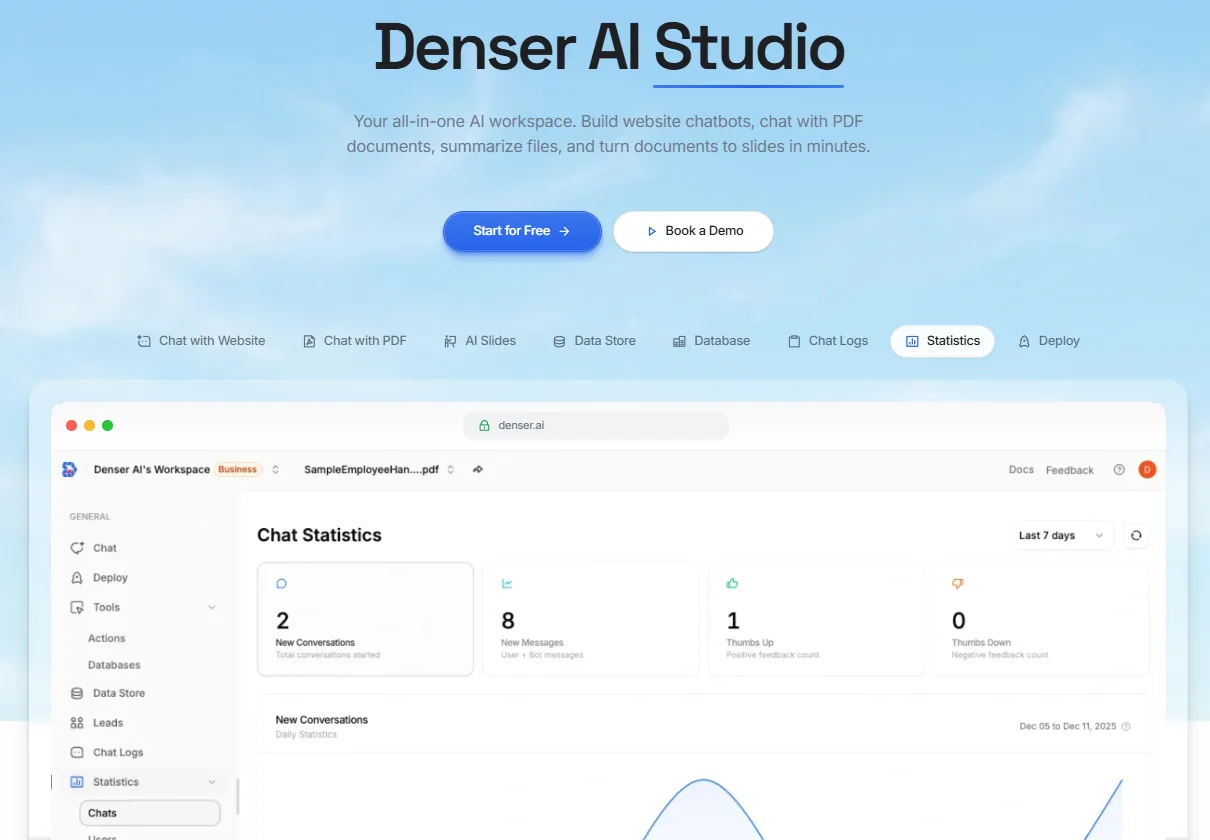
When your day revolves around proposals, contracts, research reports, and competitive analysis, you need a tool that lets you work with documents faster. Denser.ai does exactly that. It lets you upload PDFs and ask questions in plain English. Instead of scrolling through 40 pages to find one data point, you simply type your question and get a clear, cited answer pointing to the exact page.
What makes Denser stand out is accuracy. It's powered by a state-of-the-art retrieval engine built specifically for document intelligence. Every answer comes with source citations you can click to verify, which matters when you're pulling numbers for a client pitch or reviewing legal terms in a contract. It also scales to thousands of documents, supports 80+ languages, and offers enterprise-grade security. For sales and marketing teams that deal with heavy AI PDF workflows, it's one of the most practical tools available right now.
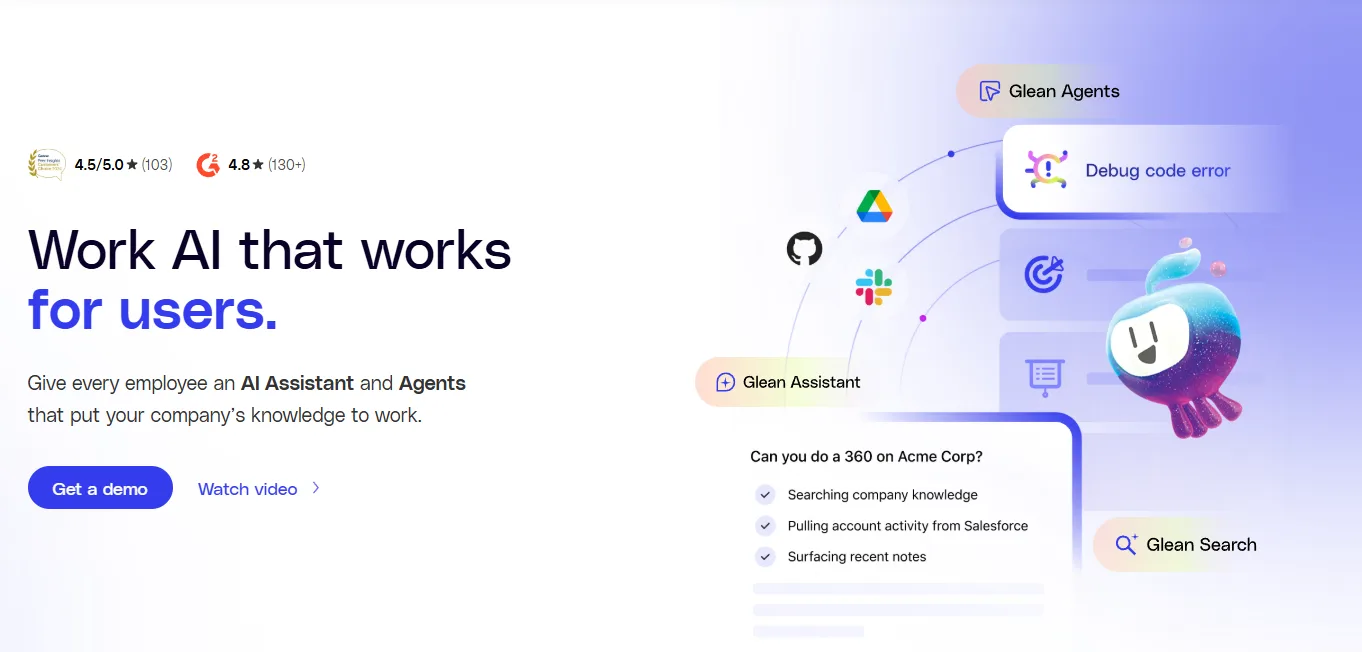
Glean is an enterprise AI platform that connects to a company’s tools, data, and people, so employees can find information, get answers, generate content, and automate work from a single centralized hub.
Think of Glean as an AI layer across the business: it searches across more than 100 apps, understands company context, respects existing permissions, and powers products like Search, Assistant, Agents, and Protect.
Meetings eat up a big part of any sales or marketing professional's week. Otter.ai transcribes your calls in real time, highlights key points, and generates shareable summaries. Instead of scrambling to take notes during a call, you can stay fully present and let the tool handle the documentation.
Every email, proposal, and social post you send reflects your brand. Grammarly catches grammar issues, suggests tone adjustments, and helps you write clearly without spending extra time on revisions. It works across email, documents, and browsers, making it one of those tools that quietly saves you minutes on every piece of content you touch.

Creating video content used to mean scripting, filming, editing, and a production budget that most teams simply don't have. Opus.pro removes all of that. Its Agent Opus feature works as a text to video generator that takes a script, blog post, or outline and produces a polished, publish-ready video with AI motion graphics, voiceovers, and social-ready formatting. No camera, no editing timeline, no production crew. For marketers who need LinkedIn videos, product explainers, or social content at scale, it's a massive time saver.
For sales teams already using HubSpot, the built-in AI features are a natural fit. From auto-enriching lead profiles and scoring prospects to drafting follow-up emails and suggesting the best time to reach out, it reduces the manual effort that goes into pipeline management.
Social media managers know the pain of producing fresh content every single day. Buffer's AI assistant helps brainstorm post ideas, generate captions, and repurpose content across platforms. It understands the nuances of each channel, so what you post on LinkedIn doesn't sound like what you post on Instagram.
Scheduling and task management can quietly consume hours if you're doing it manually. Motion uses AI to automatically prioritize your tasks, schedule deep work blocks, and rearrange your calendar when things shift. It's particularly useful for professionals juggling multiple projects who need their calendar to reflect what actually matters most.
When you are tired of jumping between all the standalone apps mentioned above, you need a unified workspace. Lark is an all-in-one digital platform designed to merge collaboration and automation seamlessly for business teams. By utilizing AI workflow automation, Lark brings messaging, video conferencing, project management, and AI-powered workflows into a single digital workspace. Its unique blend of communication, productivity, and automation tools in a single hub makes it especially appealing for organizations striving for speed, transparency, and effortless workflow management.
The mistake most people make is trying to adopt five new tools at once. Instead, look at your last week and ask yourself: where did I lose the most time? If it was reading documents, start with an AI document tool. If it was creating content, start with a content assistant. Pick one tool, learn it well, and let it prove its value before adding more.
Once you've integrated a tool, track how much time it actually saves you each week. Even rough estimates help. If a document analysis tool saves you three hours a week on report reading, that's over 150 hours a year you've just freed up for higher-value work. The goal isn't to automate everything. It's to automate the right things so you can focus on strategy, creativity, and the human connections that actually drive results.
AI tools have moved well past the hype stage. The ones that matter today are practical, workflow-level solutions that deliver measurable time savings for marketers and sales professionals. Whether it's pulling answers from documents in seconds, converting written content into video, or automating CRM updates, the professionals adopting these tools now are building a compounding advantage. More time for strategy. Faster content output. Sharper decisions. And as these tools continue improving, the gap between teams that use them and teams that don't will only keep growing.
Do AI productivity tools require technical expertise to use?
Not at all. Most modern AI tools are built for non-technical users. If you can upload a file or type a question, you can use them. There's no coding or complex setup involved.
Can AI tools replace human creativity in marketing?
AI is great at handling repetitive tasks like drafting, summarizing, and formatting. But creative strategy, brand voice, and relationship-building still need a human touch. Think of AI as a tool that clears the busywork so you can focus on the creative work.
Are these tools safe for sensitive business documents?
The leading tools in this space offer enterprise-grade encryption and clear data privacy policies. Your uploaded files are typically not used for AI model training. That said, always review a tool's security documentation before uploading confidential material.
How quickly can a team see results after adopting AI tools?
Most teams notice real time savings within the first week, especially on document review, content drafting, and meeting follow-ups. The key is starting with one tool and building from there rather than overhauling your entire workflow at once.