Browse our comprehensive product guides and documentation



Summarize with AI










Pause for a moment and surf through reviews from your audience. If you’re attentive enough, you’d understand the level of frustration viewers experience when they interact with videos without understanding a word of it.
Subtitles are now an essential instrument for engagement, expansion, and discoverability of the audience. Creators who publish on various platforms such as YouTube, TikTok, or online courses require subtitles that align with their workflow, the needs of their audience, and their pace of publishing.
The article here explores our top eight tools for subtitling, mirroring the creator scenarios of efficiency, scalability, collaboration, and multilingual needs, thus helping you to pick the right tool without being dependent on the hype.
Subtitles not only help understanding, but they also have a significant impact on how the content performs. Captions on social media channels enhance the retention of viewers who watch videos without sound.
This becomes even more important when videos are accessed through mobile-first touchpoints like digital business cards, where viewers often encounter content in short, distraction-filled moments.
In long-form content, they are the means of accessibility and inclusivity for worldwide audiences. Subtitles further amplify the reach of content, enabling videos to come up in the search results and thus backing SEO when a video is embedded on a website or a learning platform.
For creators and professionals sharing videos via digital business cards, subtitles help ensure that content remains clear, searchable, and effective regardless of where it’s viewed or how it’s accessed.
For the teams, they are a tool to edit collaboratively and comply with the accessibility regulations. A suitable subtitle software should be a perfect fit in your flow of work, giving you a good combination of speed, accuracy, and scale.
The appropriate subtitle tool is dependent on the manner in which you generate, release, and expand your content. Gaining clarity on your values in terms of accuracy, speed, collaboration, accessibility, and distribution channels will facilitate the comparison of options.
If video is part of how you present yourself or your work through a digital business card, these considerations become even more relevant. Subtitles are no longer just a post-production task. They are part of how your content represents you professionally.
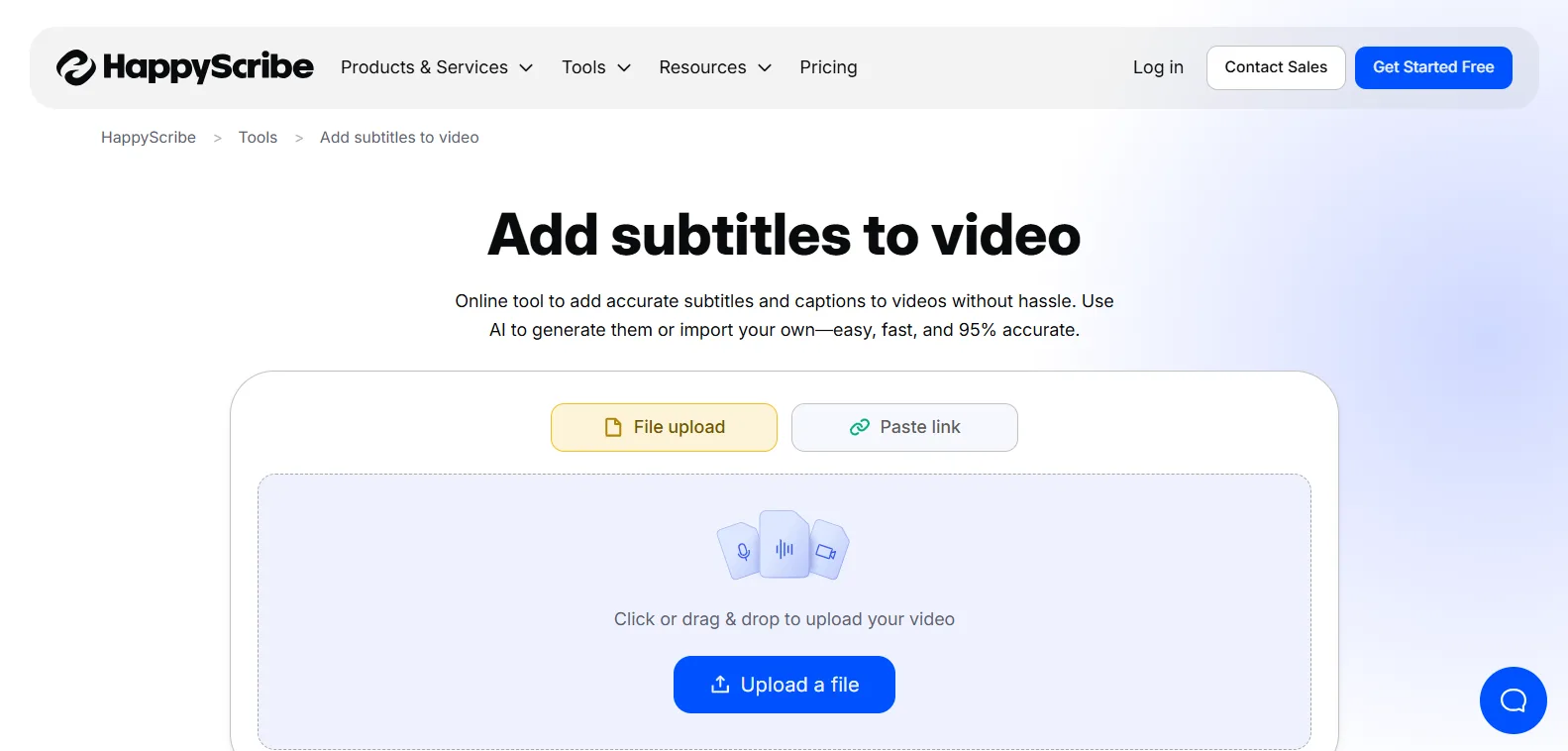
Creators conducting interviews, tutorials, or producing educational videos are often in need of subtitles that reflect accuracy right from the beginning. To that effect, Happy Scribe delivers exact transcripts as proof of minimal manual correction time.
Being a subtitle software, its multilingual features make it perfect for any audience around the world, while the flexible export options enable multiple platforms to be supported. In the case of long-form content, it brings consistency and clarity without the inconvenience of slowing down the post-production process.
This makes it particularly useful for creators sharing polished, long-form videos through professional profiles or digital business cards, where clarity and credibility matter.
How creators typically use it:
Videos are uploaded after the editing process, then subtitles are automatically created and are manually checked before being exported in different formats.
Key strengths:
Accurate transcription to a great extent, including accents.
The manual editing features to achieve exact timing and wording
Being able to support various subtitle formats and different languages.
Being a source for the reactivation of content done on different platforms.
Limitation: A creator who makes a lot of short-form videos daily will not find it ideal.
Best suited for: Educators, podcasters, YouTubers, and creators who are looking for clarity and a multilingual reach.
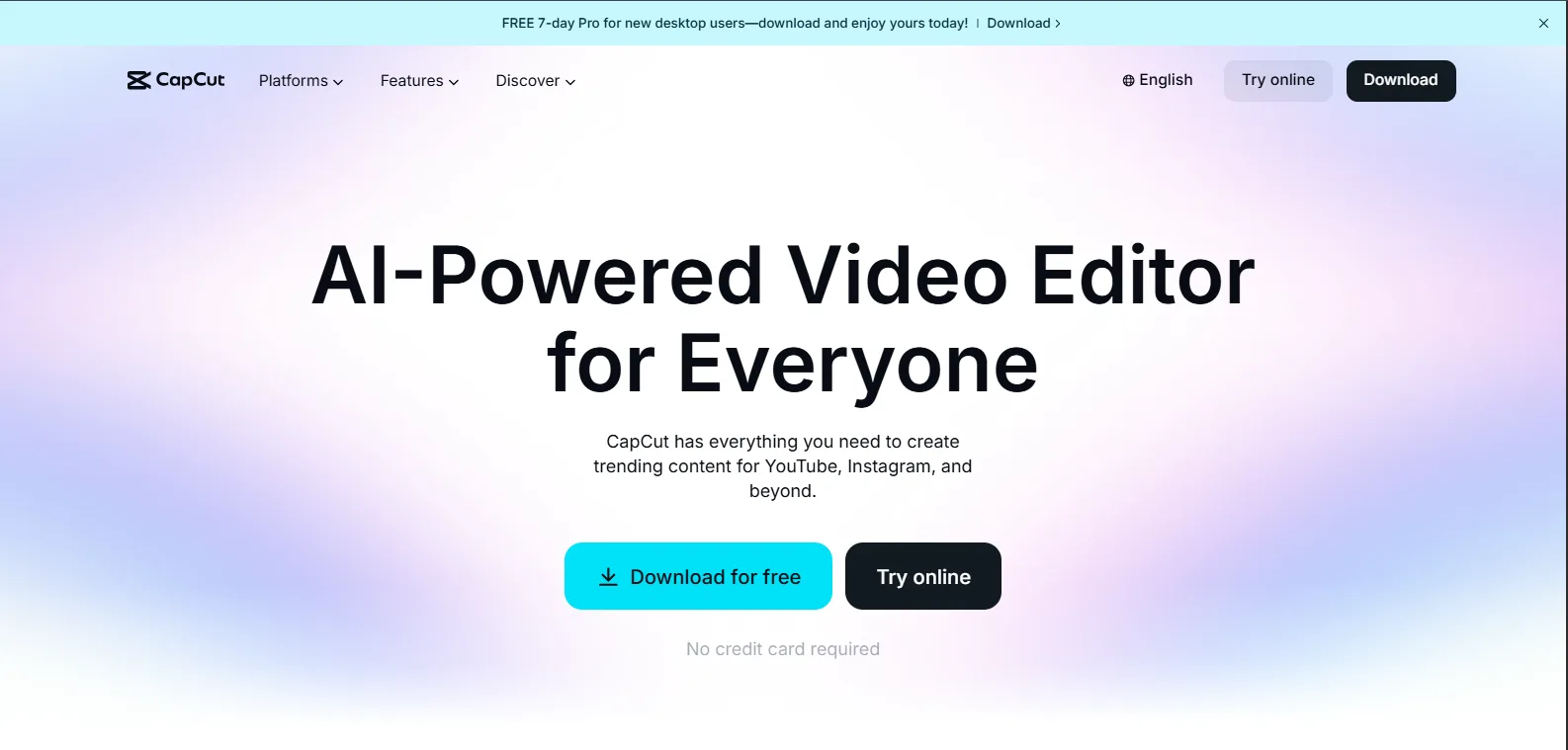
Short-form content creators most often require speed more than accuracy. CapCut meets this demand by enabling subtitles to be added even while editing, which is a big time saver in publishing cycles of high volume.
Its mobile-first approach allows creators to edit from anywhere, and the built-in styling options make captions attractive for social media audiences without the need for additional software.
How creators typically use it:
Subtitles are created on the go with editing, usually with styling for emphasis and pacing.
Key strengths:
Quick auto-caption generation
Mobile-first editing workflow
Easy styling and integration with effects
Free or low-cost for most users
Limitation: There is limited control over professional subtitle standards and long-form formatting.
Best suited for: Social, first creators who publish daily or a high volume of short-form content.
In situations where client projects or compliance-sensitive content are involved, creators require reliable subtitles. Rev provides human-edited captions that lower errors and comply with accessibility standards.
Its workflow enables collaboration and review cycles, thus it is a good fit for teams dealing with multiple stakeholders. Accuracy, consistency, and trustworthiness are the main reasons professional creators would choose it.
This reliability is especially valuable when videos are shared after meetings, pitches, or networking interactions via a digital business card.
How creators typically use it:
The content is uploaded, human-edited subtitles are generated, and the teams review them before publishing.
Key strengths:
Very accurate as a result of human transcription
Collaboration and review workflows are supported
Strong compliance and accessibility support
Turnaround times are consistent and can be planned for
Limitation: The costs increase substantially if there is a large volume of content.
Best suited for: Agencies, corporate teams, and creators who produce client-facing or high-stakes content that helps in building a quality network.
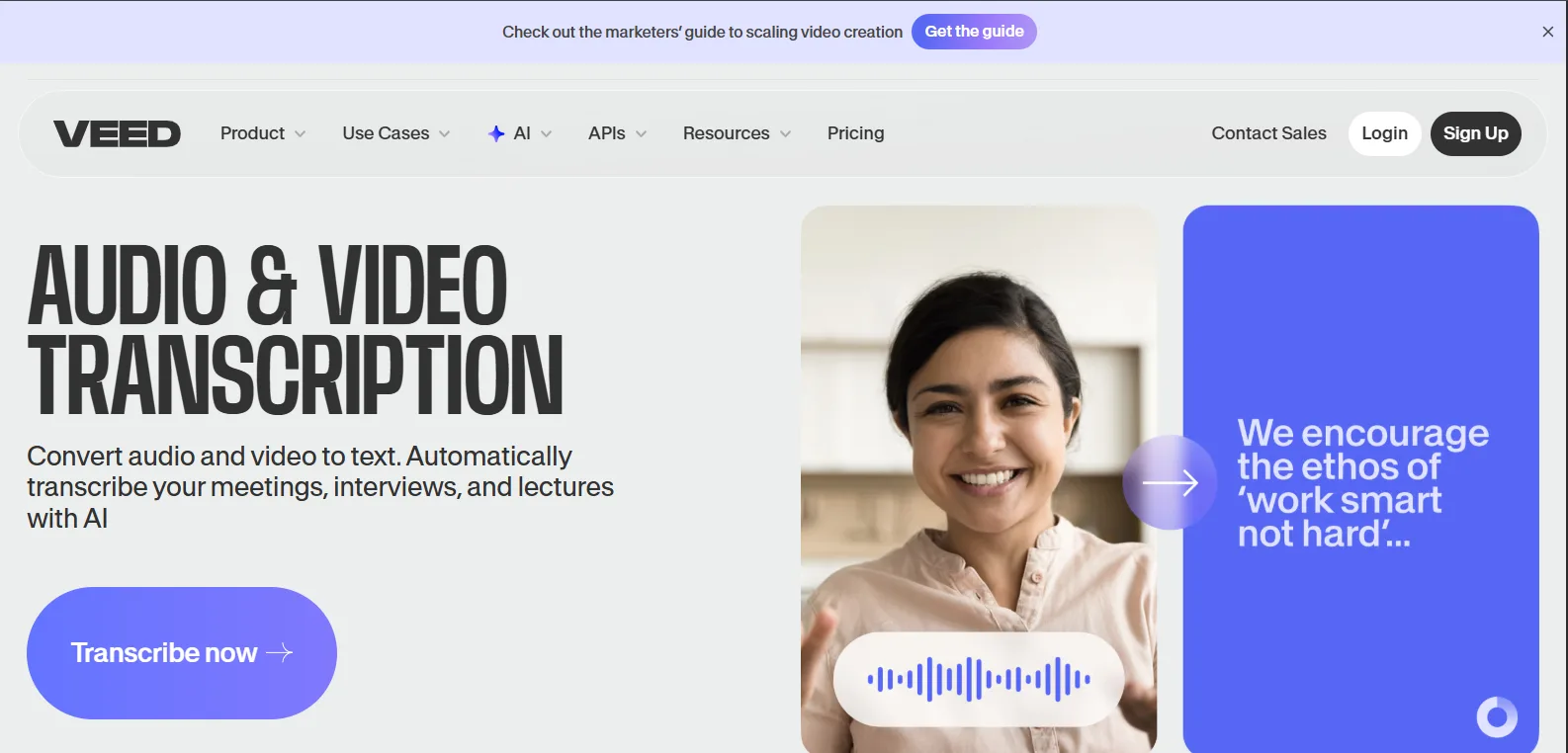
When a solo creator or a small team needs simplicity, they will most likely go for VEED. A user can swiftly generate subtitles with the help of the browser-based interface, which does not require any software installation, and the export options make videos ready for websites and social channels.
This way, VEED effectively removes the difficulties associated with the process of creating subtitles for creators whose priority is to have their work done quickly, with user-friendly and platform-ready results, rather than having fine-grained control.
How creators typically use it:
Subtitles are generated and lightly edited online, then burned into videos or exported.
Key strengths:
No software installation required
Simple editing interface
Quick subtitle export for web and social
Useful for marketing and landing page videos
Limitation: Less suited for complex or professional subtitle projects.
Best suited for: Solo creators, marketers, and small teams needing speed and simplicity.
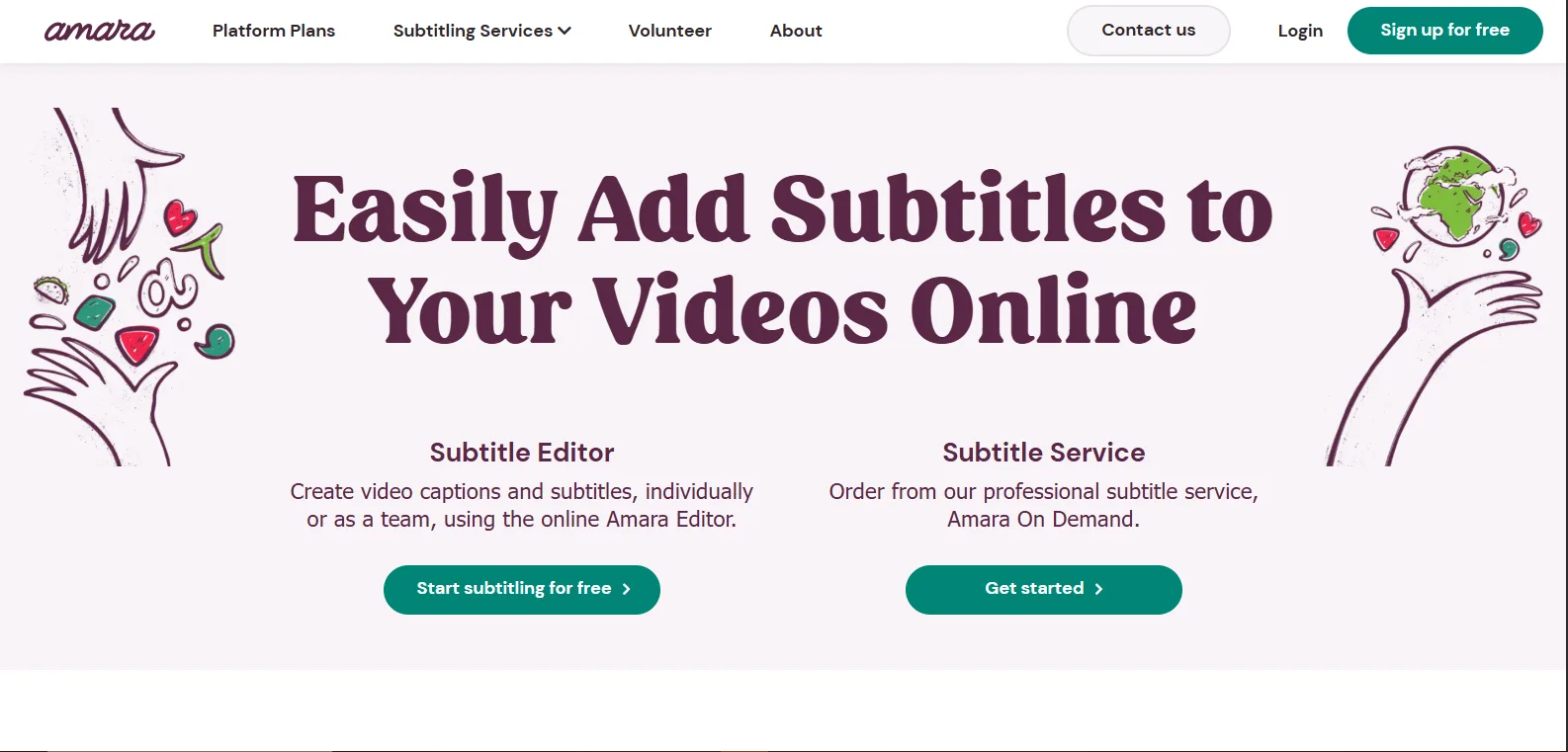
If your team creates content with accessibility or multilingual needs, Amara provides collaborative subtitle workflows. You can have multiple editors working on the translations simultaneously, thus both making the subtitles compliant with the regulations and enabling them to be accommodated by a larger audience.
As the platform is based on an accessibility-first approach, it is, therefore, a great tool for education and nonprofit communications.
For organizations sharing educational or informational videos through digital business cards, this ensures content remains inclusive and compliant.
How creators typically use it:
Teams work together on subtitles, translating and reviewing the content to ensure accessibility compliance.
Key strengths:
Accessibility-first design
Collaborative editing and translation
Supports the multilingual content
Open-source roots for flexibility
Limitation: Not an ideal tool for quick social media publishing.
Best suited for: Educators, nonprofits, and creators who are focused on the accessibility aspect.
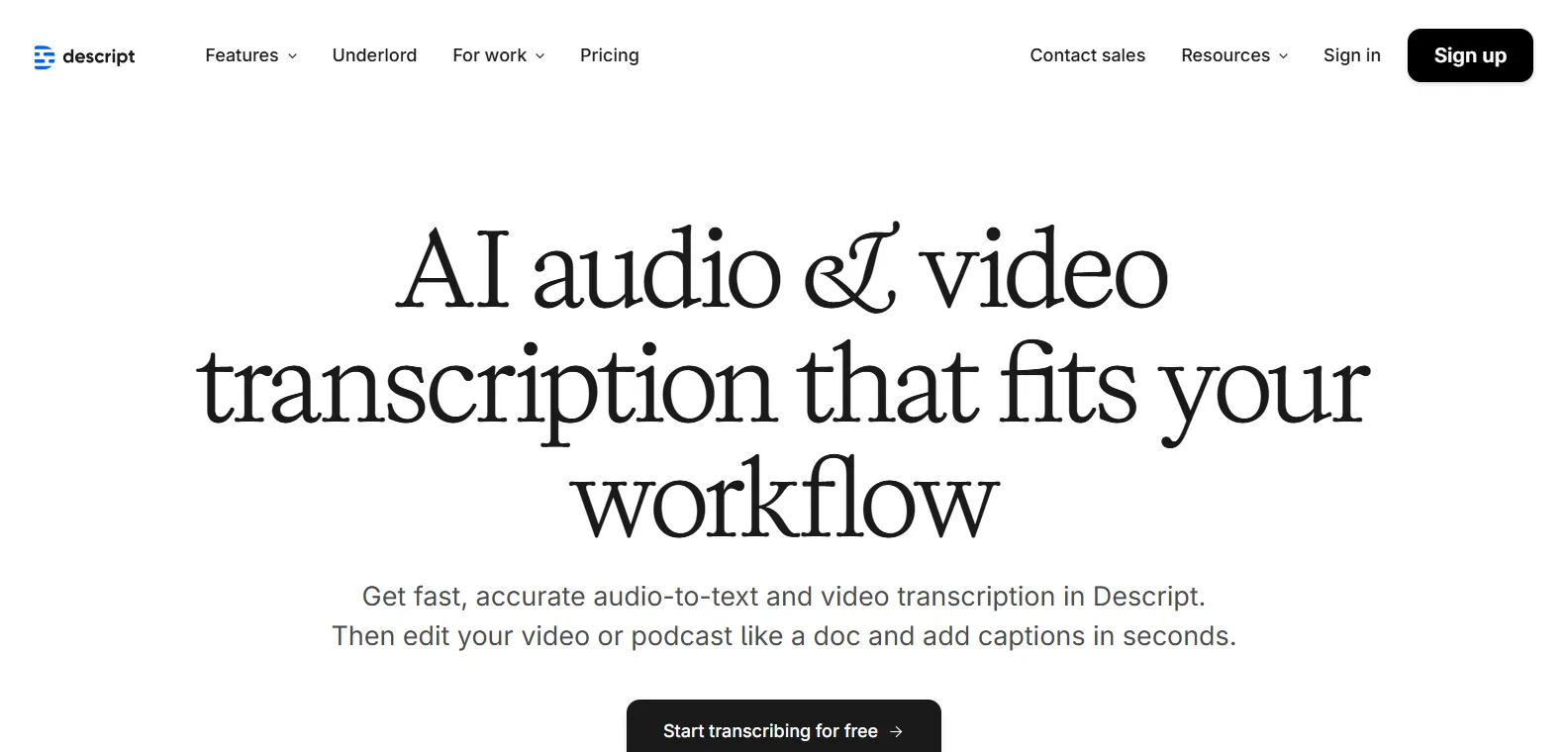
Creators repurposing long-form content find Descript valuable for integrating subtitle creation directly into transcript-based editing. It allows for corrections, deletions, and reorganizations within the transcript, automatically syncing subtitles.
This efficiency reduces post-production time, especially for podcasts or tutorial series, while supporting collaboration between multiple team members.
How creators typically use it:
Creators edit the transcript, make corrections, and then export videos with synchronized subtitles.
Key strengths:
Text-based workflow for fast editing
Efficient for repurposing long-form audio/video
Subtitle generation tied to edits
Supports collaboration in team settings
Limitation: Less control over advanced subtitle styling and export formats.
Best suited for: Podcasters, educators, and creators repurposing dialogue, heavy content.
For creators with complex international projects, Subtitle Workshop provides accurate timing changes and format compatibility.
Being light and fast, it’s perfect for workflows that require frequent error checking or batch processing. It helps professional localization and pre-distribution quality control.
How creators typically use it:
Creators adjust timing, look for encoding errors, and output subtitles for localizations or streaming platforms.
Key strengths:
Supports a wide range of subtitle formats
Simple interface for very accurate timing adjustments
Batch conversion and error checking
Lightweight and fast
Limitation: No cloud collaboration or automated transcription.
Best suited for: Creators producing international content or localized videos for digital presence.
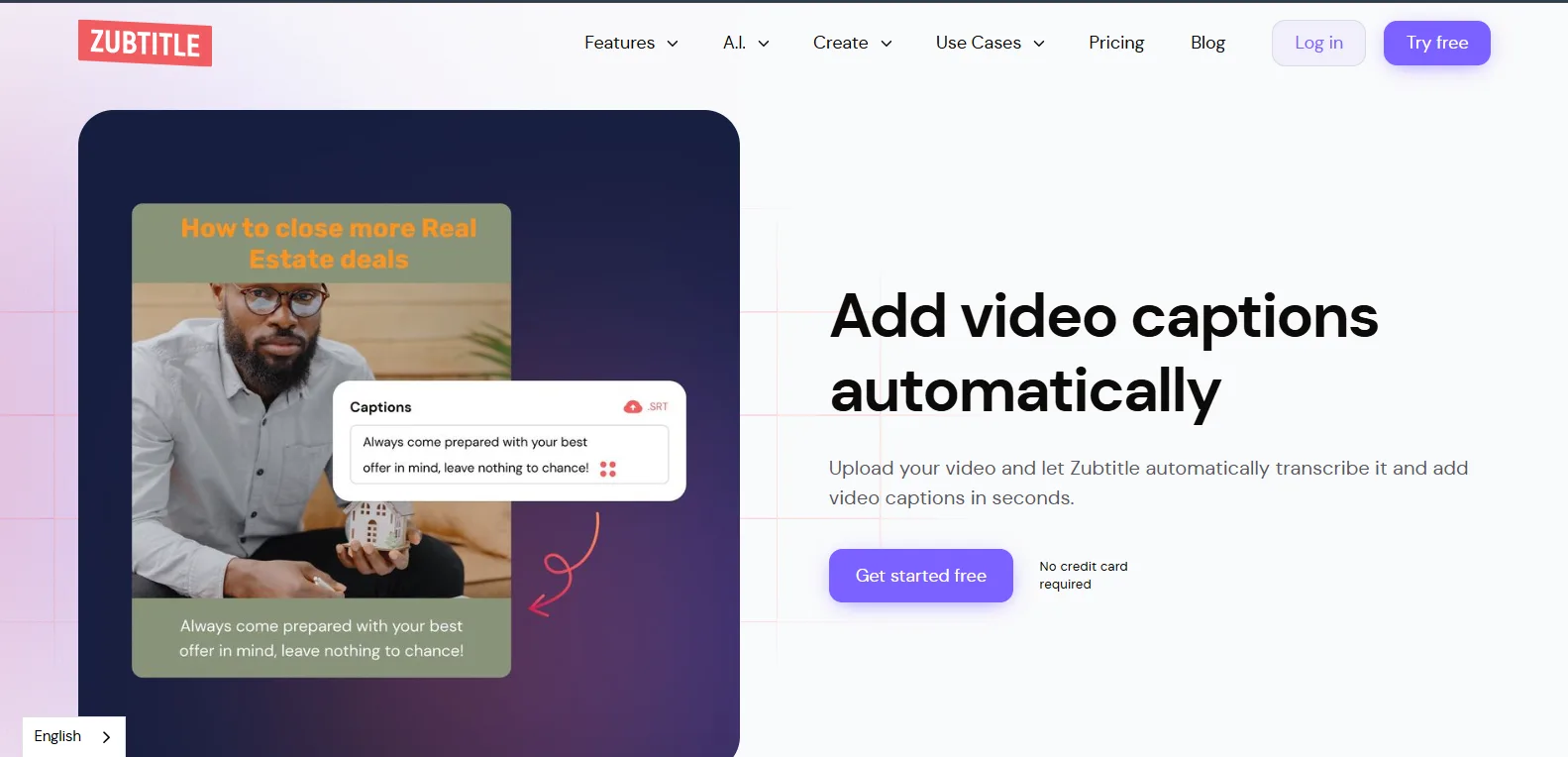
Creators focused on social media speed use Zubtitle to automate captions while applying platform-ready styles. Its automated workflow minimizes manual edits and accelerates content publishing.
Branding overlays can also be added quickly, making it ideal for marketers or influencers producing high-volume, short-form content.
How creators typically use it:
Videos are uploaded, captions are auto-generated, and styling is applied before exporting to social platforms.
Key strengths:
Fast, automated captions
Social media-friendly styles
Simple interface with minimal setup
Supports quick branding overlays
Limitation: Limited fine-tuning for long-form or professional projects.
Best suited for: Social media creators, marketers, and small teams focusing on short-form video engagement.
The ideal subtitle software varies with the type of content, volume, and organization of the team. High-volume social creators can get the best out of tools like CapCut or Zubtitle just for the speed factor. Content creators who work on long-form and multilingual content can get a lot of efficient work done through Happy Scribe, Descript, or Rev.
Accessibility-focused projects, on the other hand, can hardly do without Amara, while the technical or localization-intensive workflows can gain from using Subtitle Edit or Subtitle Workshop.
For professionals using Tapni digital business cards, subtitles are part of how video content represents them. Choosing tools that balance speed, accuracy, and accessibility helps ensure that every video linked through a digital business card supports reach, retention, and discoverability, rather than becoming a missed opportunity.

Rilwan Kazeem is a creative writer. He has worked in social media, content marketing, and SEO for four years. He has covered topics in multiple niches, including digital marketing, HR, emerging technologies, and their intersection with business. In his leisure, he loves to meditate and spend time with his family.