Contactez notre service client pour toute question supplémentaire
Consultez la FAQ pour des instructions détaillées sur certaines fonctionnalités
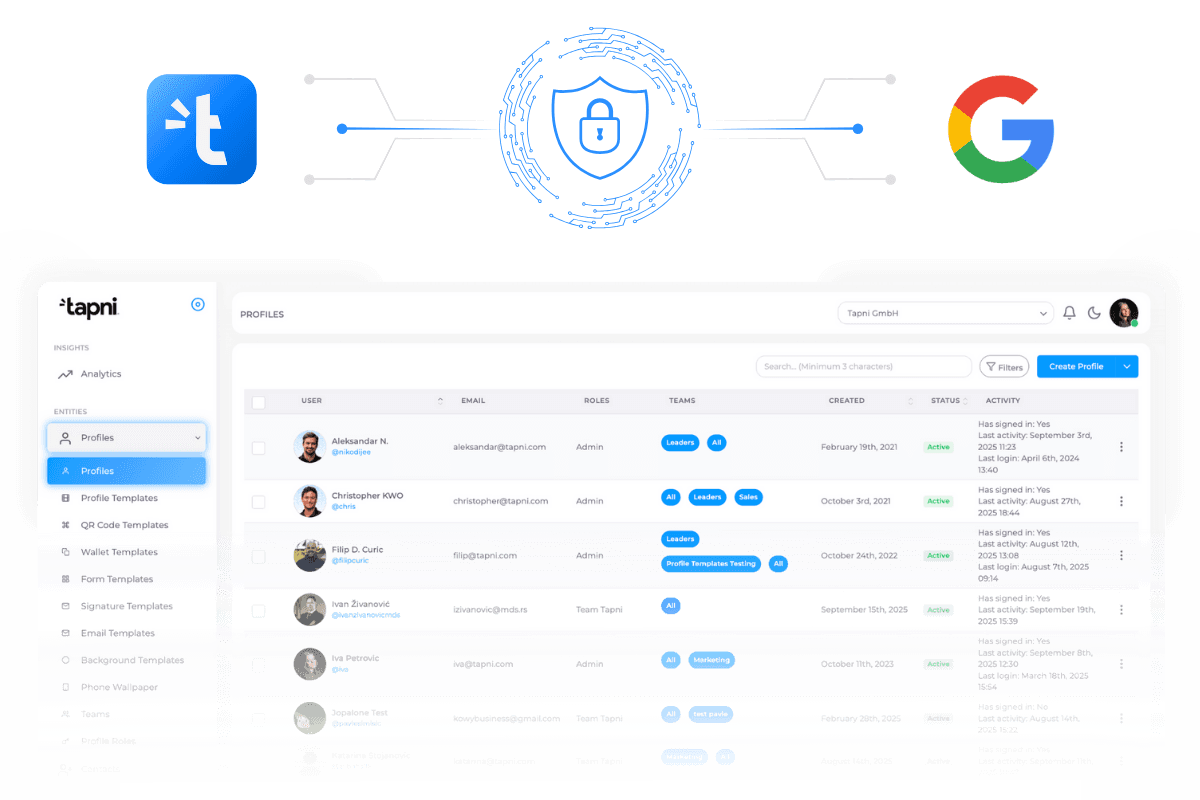
No more manually adding or removing users. New employees get instant access to Tapni.
When an employee joins or leaves, their Tapni access updates automatically in real time.
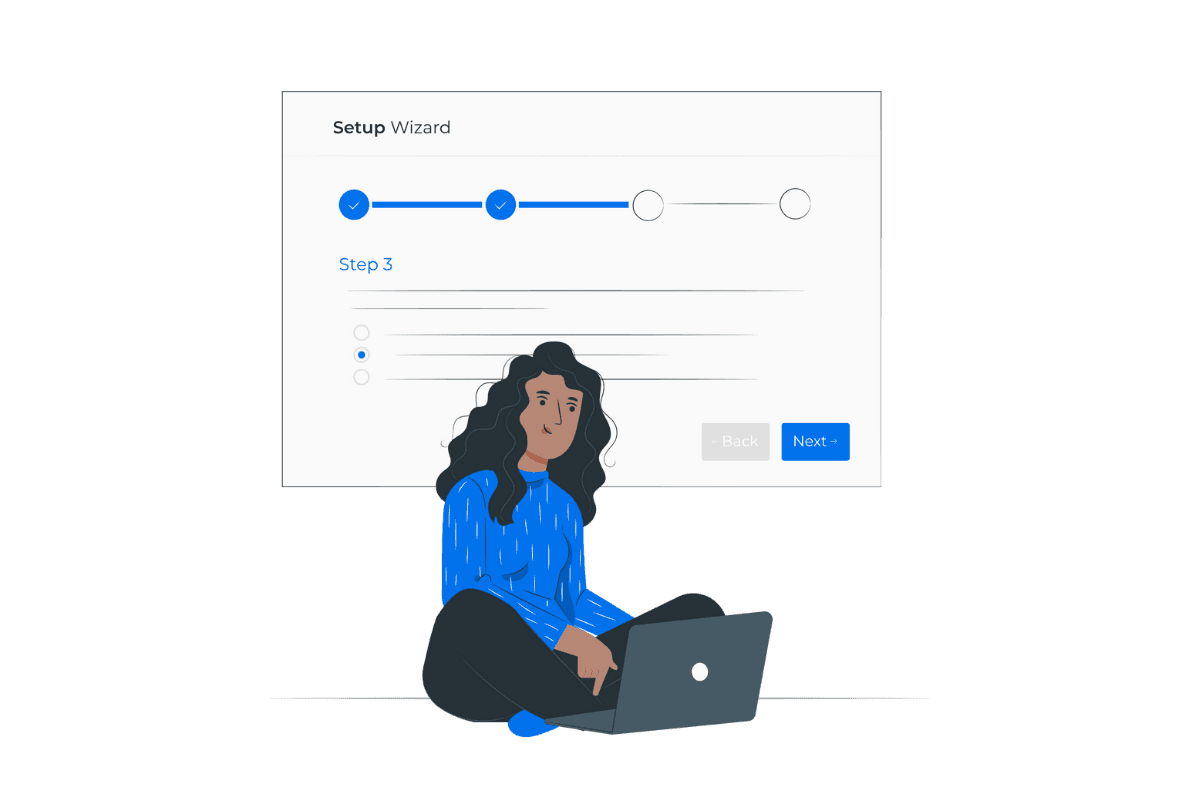
Log in to your Tapni Business Dashboard. Navigate to Integrations > Google Workspace.
Sign in with your Google Admin account and grant necessary permissions to enable user sync.
Select which users or groups should be synced. Enable automatic updates for role changes.
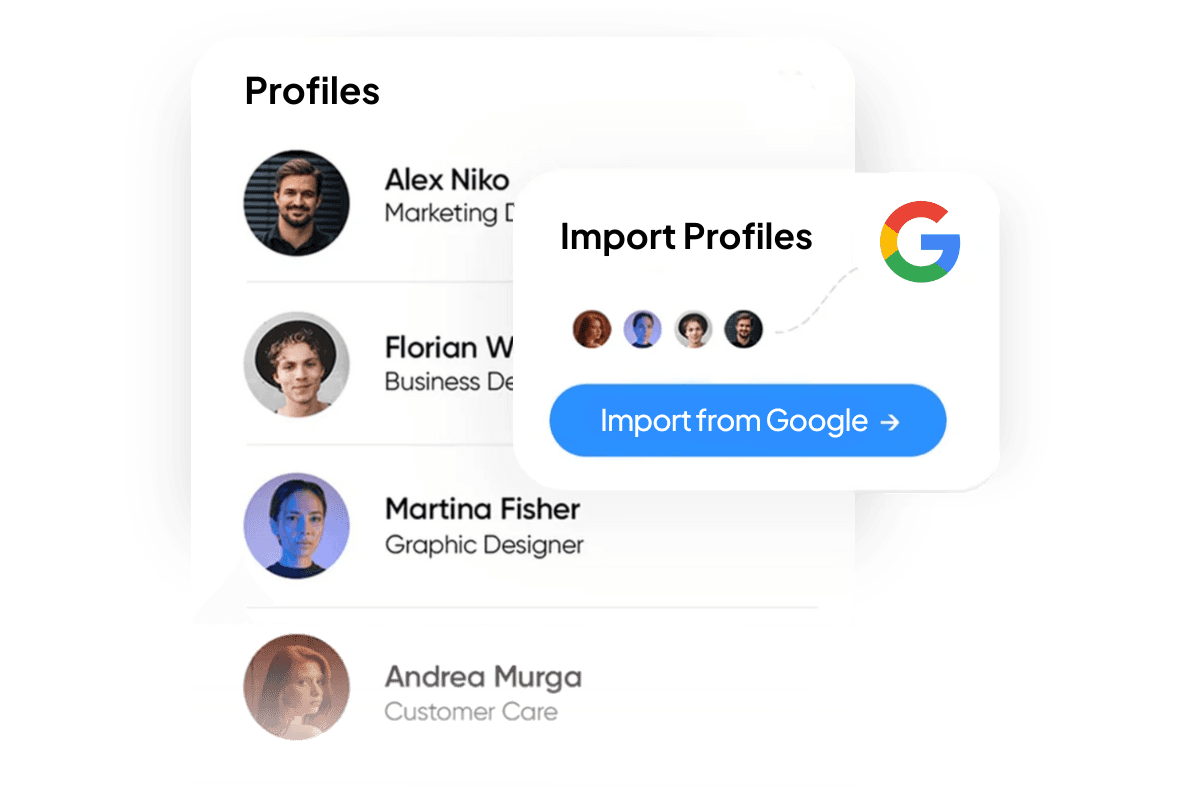
Click âSync Usersâ to start the process. Tapni will update user details in real time.
Sync only specific users, departments, or Google Groups.
Instantly revoke Tapni access when employees leave the organization.
Assign permissions based on Google Workspace admin roles.

| Traditional Onboarding | Tapni's Automated Sync | |
|---|---|---|
| Time to Onboard | Several days | A few hours |
| Manual Effort | High | Minimal |
| Error Rate | Moderate to High | Low |
| Security Risks | Increased due to delays |

If your team is on Google Workspace, you're already ahead of the game. But if you're not syncing it with Tapni, youâre leaving efficiency on the table.
Ready to automate user sync with Tapni?
Click below to set up Google Workspace integration in just a few minutes!

For any other questions, please feel free to contact us.
Parcourez nos guides produits et notre documentation complĂšte
Ensure only authorized users have access. Align Tapni with your Google Workspace policies.
Sync Google Workspace contacts with Salesforce, HubSpot, and HR platforms.
Enhance security with SSO & MFA.
| Minimized with real-time updates |